5 Design Principles That Separate Successful AI Features from Failed Experiments

Alim Goulamhoussen
Publié le 09.02.26
Mis à jour le 19.03.26
6 min
The AI Feature Paradox
Over 60% of enterprise SaaS products now have embedded AI features. Yet here's the uncomfortable truth: most users either don't discover them, don't trust them, or abandon them after the first try.
If you're building AI into an embedded analytics product specifically, our complete guide to AI-powered analytics covers the full landscape.
You've probably experienced this yourself. You open your favorite SaaS tool, notice a new "AI-powered" button, click it with curiosity... and then feel confused. What did the AI just do? Why did it make that choice? How do you fix it if it's wrong?
According to recent research, 85% of AI projects fail to deliver on their promise, with "lack of user adoption" being one of the primary reasons. This isn't just a statistic—it translates into real business harm: loss of user trust, low adoption rates, poor ROI, and ultimately, abandoned features.
The problem isn't the AI itself. It's how we design the experience around it.
This article gives you a practical framework to avoid that trap. You'll learn the three ways AI features fail, five principles that actually work, and a decision framework you can use before building any AI feature.
The Real Problem: Three Ways AI Features Fail
1. The Trust Gap: Users Don't Know What AI Is Doing
The most fundamental problem with AI features is opacity. Users see an input field and an output, but have no idea what happened in between.
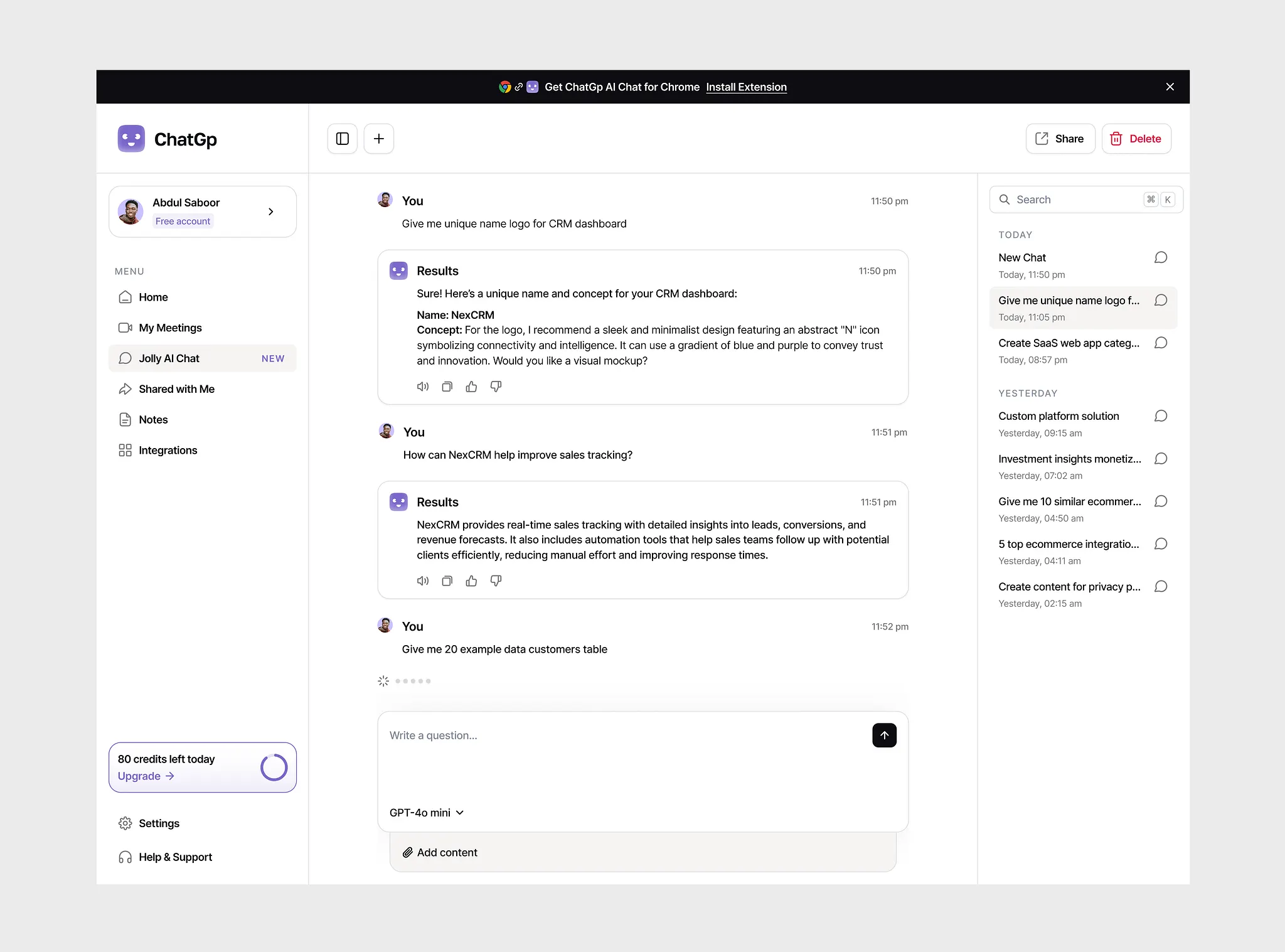
A typical scenario:
- User: "Show me our best performing products"
- AI: Generates a chart with 8 products
- User: "Why these 8? What does 'best performing' mean? By revenue? By growth rate? What time period?"
- AI: Silence
Research on AI transparency shows that when users can't understand how the AI reached its conclusions, they fundamentally can't trust it. They can't validate if the output is correct, can't learn how to get better results next time, and can't confidently use it for important decisions.
This isn't a technical problem—it's a design problem. The AI might have perfectly sound reasoning, but if users can't see it, they assume it doesn't exist.
2. The Prompt Problem: Users Don't Know How to Ask
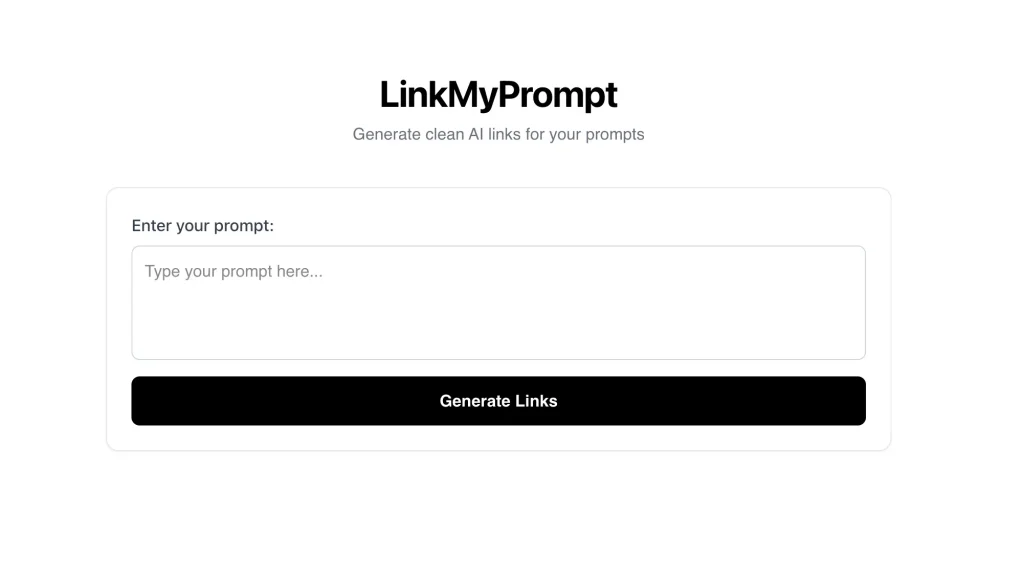 Even when users want to try an AI feature, they often face a blank prompt field with no guidance. This creates what's known as "the blank canvas problem"—users freeze because they don't know:
- What the AI is capable of doing
- What format or language to use
- What level of detail to provide
- What examples of good prompts look like
A typical scenario:
- User sees: Empty field with placeholder "Type your prompt..."
- User thinks: "Um... should I say 'show sales'? 'sales dashboard'? 'create visualization for Q4 revenue by region'?"
- User does: Types something vague, gets poor results, gives up
Research on prompt engineering UX consistently shows that users without guidance produce poor prompts, which lead to poor results, which lead to abandonment.
The problem isn't that users are bad at prompting—it's that we're asking them to learn a new skill (prompt engineering) just to use our product.
3. The Context Problem: AI Doesn't Know What Users Need
Many AI features generate outputs that are technically correct but practically useless because they lack context about what the user actually needs.
A typical scenario:
- CFO asks: "Show me our financial performance"
- AI generates: A dashboard with 15 technical metrics (EBITDA, working capital ratio, days sales outstanding...)
- What CFO wanted: 3 simple numbers—revenue, expenses, and profit trend
- What AI didn't know: User's role, expertise level, current task, or decision context
The AI has no awareness that it's talking to an executive (not an analyst), that this is for a board presentation (not deep analysis), or that the user only has 30 seconds (not 30 minutes).
This context challenge is especially acute in AI embedded analytics, where the AI serves hundreds of different tenants, each with their own vocabulary and data model.
Without context—user role, current task, expertise level, data constraints, or business objectives—AI produces generic outputs that miss the mark. Users then conclude the AI "doesn't understand their needs" and stop using it.
The result: Technically impressive but practically irrelevant outputs that users ignore.
The Fix: 5 Principles That Work
After studying successful AI features and analyzing what makes users actually adopt them, we've identified five core principles that separate successful AI implementations from failed experiments.
1. Show Your Work
Always show what the AI is doing, why it's doing it, and let users see the reasoning.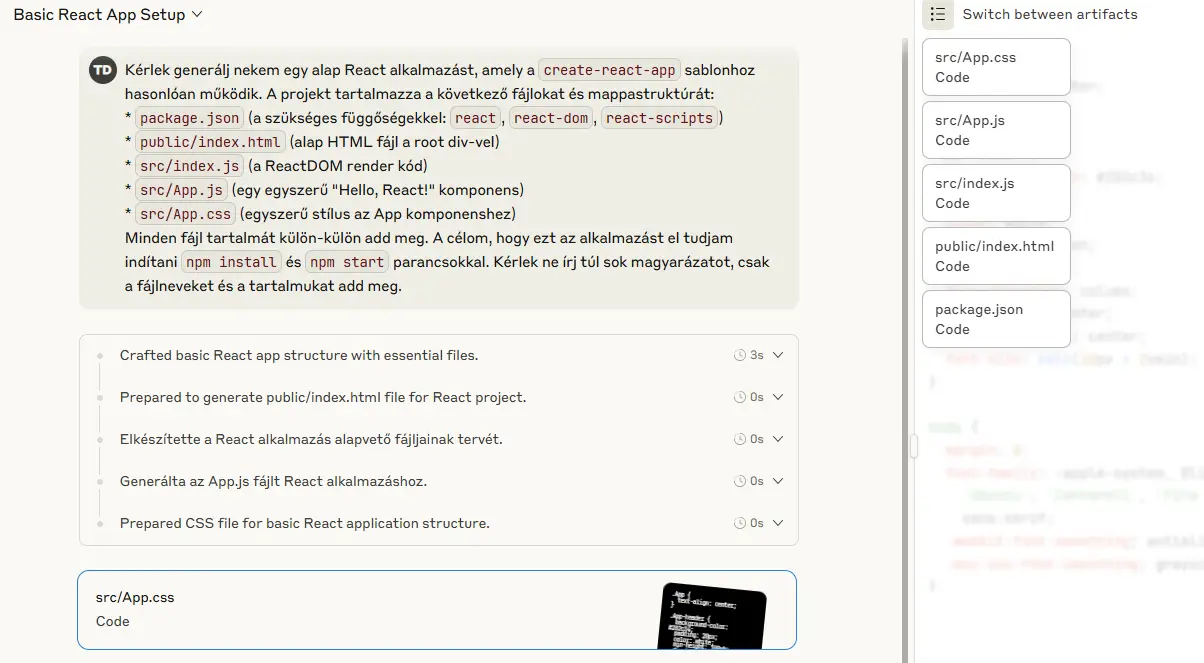
When GitHub Copilot suggests code, it doesn't just insert text silently. It shows the suggestion in gray, often includes explanatory comments, and lets you accept, reject, or modify with a single keystroke. You always know what's AI-generated and why.
In practice:
- Show reasoning: "I selected these metrics because they're commonly used for sales dashboards"
- Display confidence: When uncertain, say so: "Suggested based on similar patterns"
- Explain why the AI made specific choices
- Show confidence levels when relevant
2. Design for Conversation, Not Commands
The principle: AI should feel like a collaborative dialogue where users can refine, iterate, and course-correct—not a one-way command that produces a final answer.
This is the core interaction model behind AI conversational analytics — and it changes how every feature should be designed.
Think about how you use Google: you search, scan results, refine your query, search again. That's a conversation. But many AI features treat interaction like a vending machine: insert prompt, receive output, done.
Notion AI gets this right. When it generates content, you can immediately regenerate, change the tone, make it longer or shorter, or edit it inline. The AI is a collaborative partner, not a replacement for your judgment.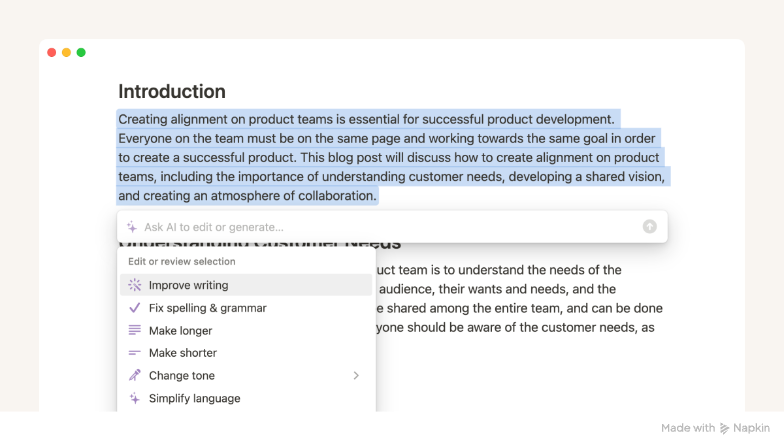 In practice:
- Enable iteration: "Try again," "Make it shorter," "Show alternatives," "Explain this part"
- Make everything editable: AI outputs should be modifiable by default, not locked
- Provide multiple paths: Users can refine via text prompts OR UI controls (buttons, toggles)
- Show what changed: Highlight differences between versions
- Keep history: Let users undo, compare, or return to previous versions
4. Guide, Don't Guess
Users shouldn't need to learn how to "talk" to AI. Guide them with smart UI, suggestions, and examples.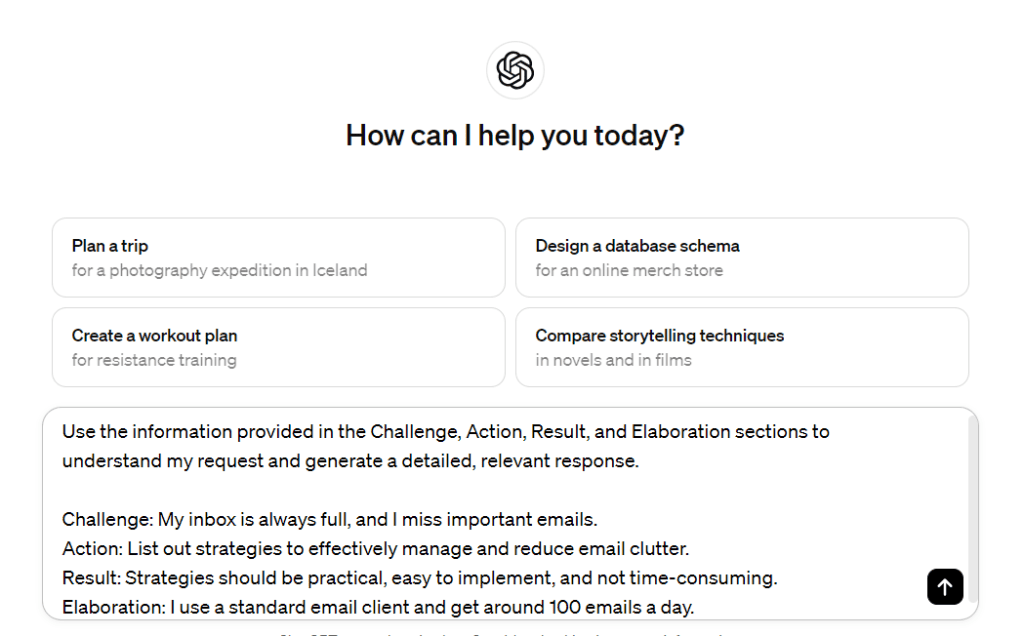 When users face an empty prompt field, they experience "the blank page problem." They don't know what's possible, what format to use, or what language the AI expects.
In practice:
- Provide smart suggestions based on context
- Adapt placeholder text to the user's current task
- Show examples of good prompts
4. Adapt to Context
The principle: AI should understand where the user is, what they're trying to accomplish, and who they are—then adapt its behavior accordingly.
In analytics specifically, this adaptation is only reliable when it's backed by a solid semantic layer that defines what each business term means per tenant.
This goes beyond just "showing your work." It's about the AI actively using context to provide more relevant, personalized results without requiring users to specify everything in their prompt.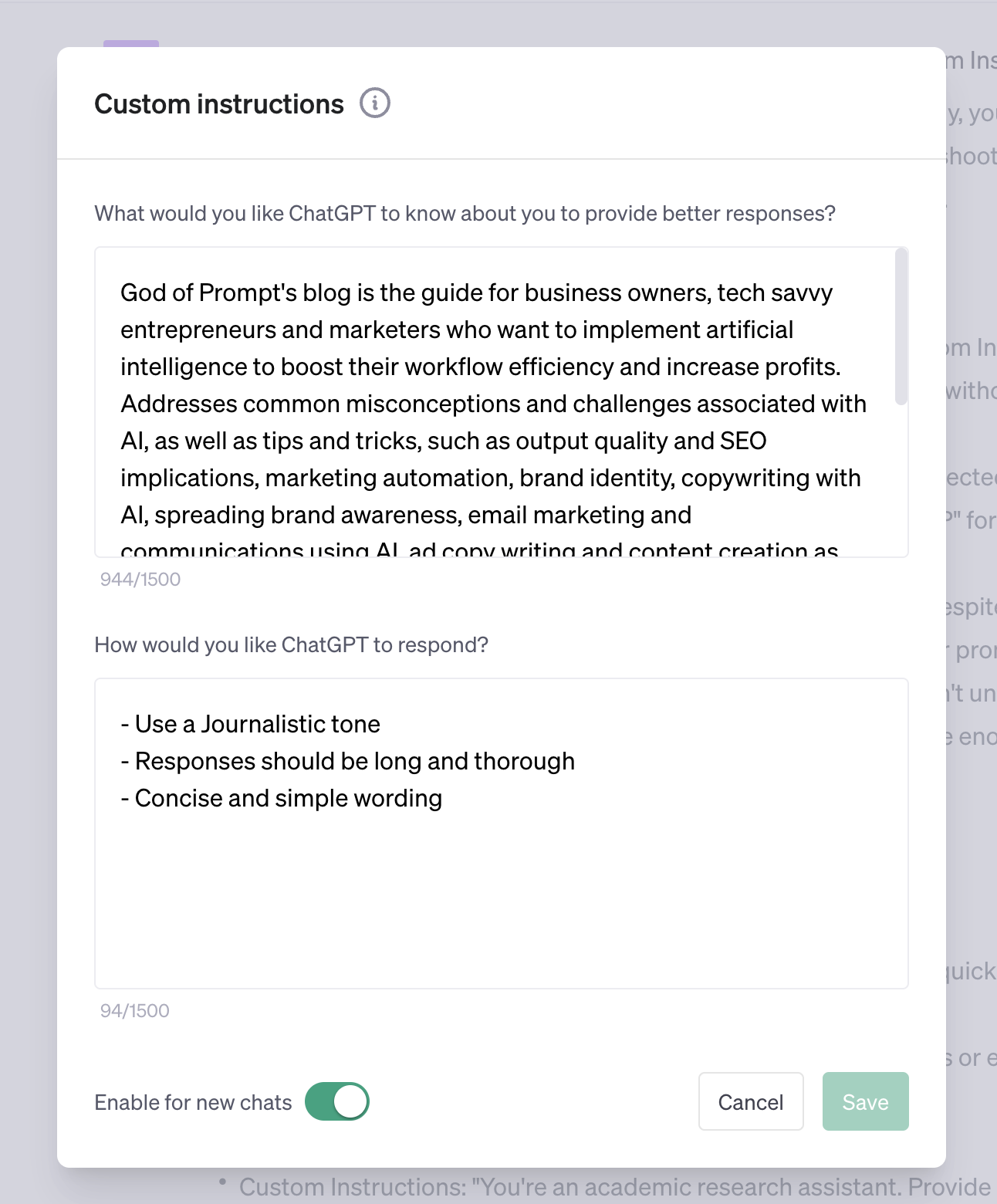 In practice:
- Personalize suggestions based on user role or behavior
- Adapt AI output complexity to user expertise level
- Use current screen/data context to make smarter suggestions
- Remember user preferences across sessions
5. Design for Failure
AI will fail sometimes. What matters is how gracefully you handle it with helpful errors and fallback options.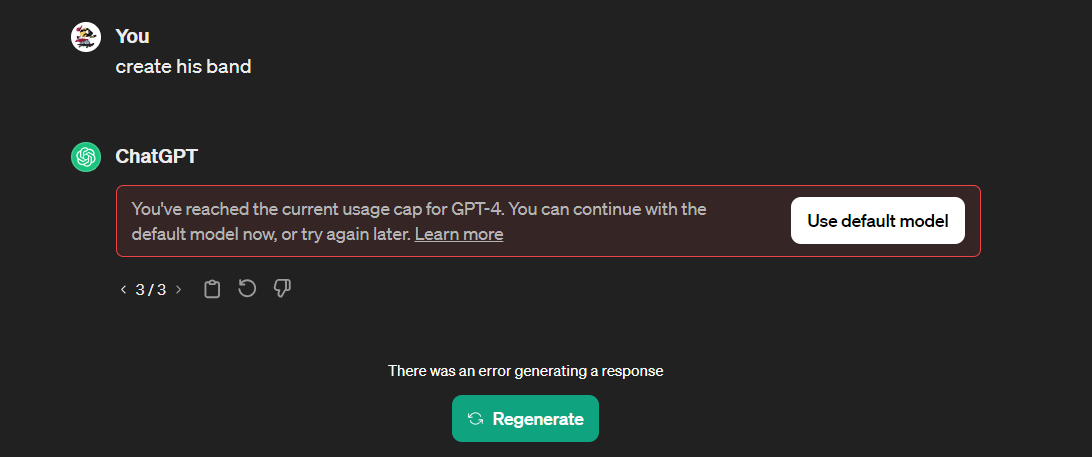 LLMs are probabilistic. They'll occasionally produce wrong answers, time out, or misunderstand prompts. If you don't design for these scenarios, users lose trust permanently.
In practice:
- Rewrite errors in human language
- Offer 1-2 suggested next steps
- Provide manual alternatives when AI fails
Decision Framework: Should You Use AI Here?
Before adding an AI feature, ask yourself these three critical questions:
When NOT to Use AI
Sometimes, the best AI decision is not using AI at all:
- When the user just needs a template: A well-designed template is faster and more reliable than asking AI to generate one
- When the task is deterministic: If there's one correct answer, AI adds unnecessary complexity
- When failure is costly: If a wrong AI output could damage trust or data, manual controls are safer
- When users don't expect it: Adding AI to established workflows can create confusion if not properly introduced
The goal isn't to add AI everywhere—it's to add AI where it genuinely helps users accomplish their goals faster and with less friction.
Real-World Example: What Good AI UX Looks Like
Let's look at how GitHub Copilot implements these principles successfully:
✅ Shows its work: Code suggestions appear in gray text inline, making it obvious what's AI-generated vs. human-written
✅ Enables iteration: You can accept, reject, or see alternative suggestions with keyboard shortcuts
✅ Gives control: Suggestions are just suggestions—you're always in control of what gets committed
✅ Guides without guessing: Context-aware suggestions appear as you type, based on surrounding code
✅ Designs for failure: When Copilot can't suggest anything useful, it simply doesn't show a suggestion—no error message needed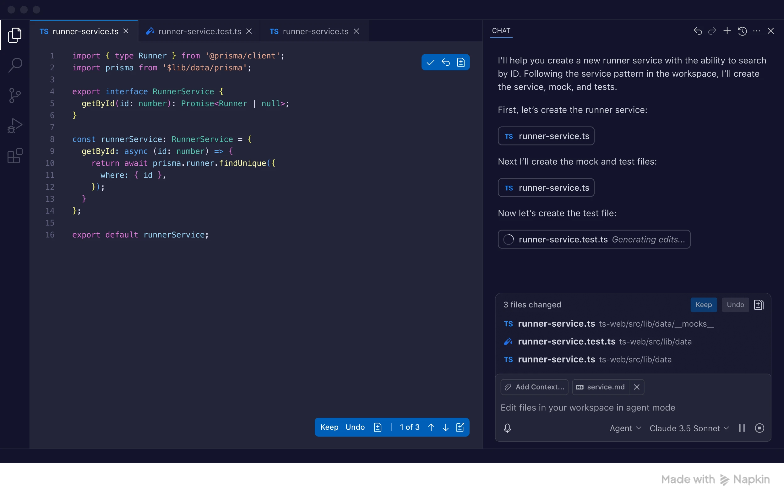 The result? Developers trust Copilot enough to use it daily because they understand how it works and know they're always in control.
At Toucan, we apply these same principles to our AI-powered analytics features.
One example: when users ask questions in plain text, the experience only works if the underlying natural language query layer handles ambiguity gracefully — that's a design and architecture problem, not just a UX one.
When our AI generates dashboard narratives or suggests chart configurations, users always see why those choices were made, can edit results inline, and can easily try alternative approaches. In our next article in this series, we'll dive deeper into the specific prompting patterns that make this work.
This article is part of our AI in Product series, where we share frameworks and learnings from integrating AI into embedded analytics. Want to see how we apply these principles at Toucan? Learn more about our AI-powered features.