
Multi-Agent System: 5 Lessons from Running One in Production
.jpg?width=88&height=88&name=PORTRAIT_David_face%20(1).jpg)
David Nowinsky
Publié le 25.02.26
Mis à jour le 19.03.26
5 min
LLM systems rarely fail “cleanly.” When you add multiple agents, tools, and tenants, errors become a systems problem, not a single try/catch. This is how we approached it at Toucan—and the patterns we think every production LLM system needs.
Why LLM‑Agent systems fail differently
In a traditional web app, the main failure surfaces are clear: DB timeouts, 500s, bad inputs.
In an LLM‑agent system, you inherit a whole new class of issues:
- Unpredictable model behavior – The same prompt and tools can produce different sequences of calls.
- Tooling complexity – Each tool (DB, chart rendering, code execution, third‑party API) has its own failure modes.
- Long, multi‑step workflows – A single user request can trigger a cascade of calls across agents.
- User impact is subtle – The system might not “crash”; it just gives a wrong answer or loops quietly.
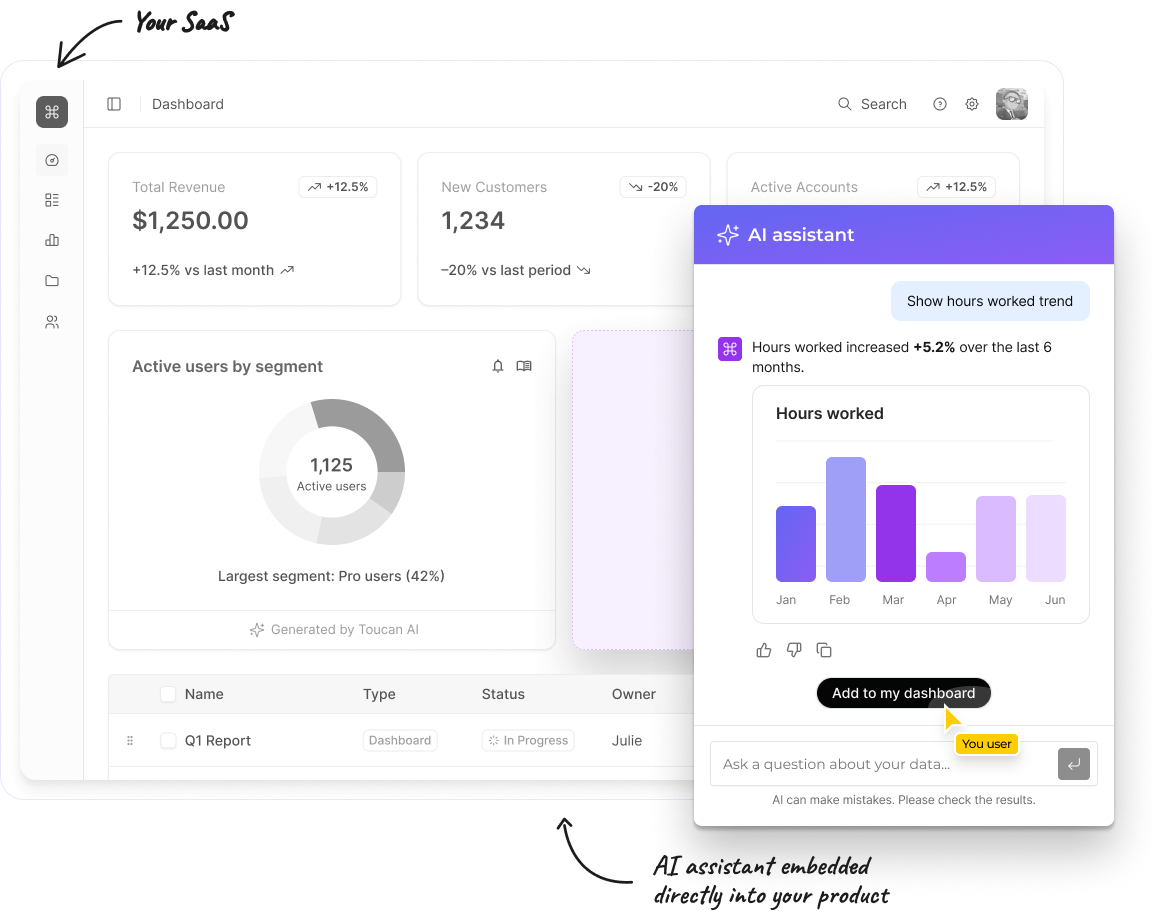
At Toucan, our AI assistant is built as a hierarchical multi‑agent system: a central planner‑orchestrator coordinates specialized agents (for query building, data exploration) and shared tools (planning, schema discovery).
Toucan is an AI embedded analytics platform — this architecture is what makes it production-reliable across hundreds of multi-tenant SaaS deployments.
This architecture is great for modularity—but it also means we needed a deliberate strategy for where errors are handled and how we see what’s going on.
Start with a clear lifecycle: where can things break?
For each request, our orchestrator follows a simple 4‑phase lifecycle:
- Classification – Understand intent, route greetings/ambiguous questions appropriately.
- Planning – Create or update a structured plan for data work.
- Execution – Call tools and sub‑agents to carry out that plan.
- Response – Summarize results and suggest next actions.
%20(1).jpg?width=5275&height=3032&name=Toucan%20Agents%20(2)%20(1).jpg)
These phases aren't a rigid state machine—they're encoded in the orchestrator's reasoning logic. That flexibility lets the orchestrator skip planning for simple questions or interleave execution and response when appropriate. But the mental model still gives us:
-
A shared vocabulary for engineers and operators.
-
Natural observability checkpoints (we can log and measure each phase).
-
Scoped error handlers – e.g. "planning failed" vs "execution failed on tool X".
If you don't have a lifecycle like this, error handling quickly turns into ad‑hoc "catch whatever you can, wherever you can."
Guarding the front door: auth and context
Before we ever create an agent, we validate who is calling and what data they're allowed to touch.
- Organization scoping – Every request is tied to an active organization; if there is none, we fail fast. It’s better to throw a clear, typed error than to let an agent make assumptions about data it should never see.
- Distinct user identity – We derive a per‑user
distinctIdfrom the auth context to associate traces and events with a real human, not just a session. - Typed context/state schemas – Our orchestrator is created with strict context and state schemas. If upstream code tries to pass malformed context, the error is surfaced immediately instead of later inside an LLM tool call.
From an error‑handling perspective, this means auth and schema errors are caught before any model call. We never want to burn tokens (or hit tools) just to discover we didn’t even have a valid organization.
Making tools safe by default
In our architecture, the orchestrator has access to a small, curated set of tools (planning, schema discovery, charting, query builder, data explorer). We treat tools as first‑class failure domains.
We’ve converged on a few simple rules:
- Explicit preconditions – Tools that depend on a schema or topic only run after the relevant context has been fetched and validated.
- Structured failures, not strings – Tools return typed error payloads (temporary vs permanent, category, metadata) instead of arbitrary error text.
- Timeouts and ceilings – Tool calls have sensible timeouts and we cap the number of tool calls per request to avoid runaway loops and unbounded cost.
The goal is simple: most failures are handled as close to the source as possible, while still giving the orchestrator enough structure to decide whether to retry, fall back, or ask the user for help.
This is part of a broader pattern of type safety for production AI systems — we cover 4 specific patterns in a dedicated article.
Anti‑loop safeguards
Loops are a classic failure mode for agent systems: the model calls the same failing tool again and again, slightly tweaking parameters.
We address this with complementary layers:
-
Soft guardrails: The orchestrator is guided to detect repeated failures for the same goal and stop rather than retry blindly—preferring to ask the user for clarification.
-
Hard guardrails: Framework‑level recursion limits cap the total number of reasoning loops per agent, with tighter limits on scoped sub‑agents than on the orchestrator itself.
-
Failure classification: We distinguish "I don't understand" (classification failure → clarification) from "I couldn't execute" (execution failure → explain and suggest alternatives).
In practice, these two layers are the difference between a system that occasionally asks for help and a system that silently spins your budget.
One voice to the user
Only the orchestrator talks to the user. Sub‑agents and tools are internal; they return structured results and structured errors.
That gives us:
- Consistent tone and UX – Users see one assistant, not a swarm of personalities.
- Clear separation of concerns – Sub‑agents focus on doing the work; the orchestrator focuses on communication and planning.
- A single place to implement UX policies – How we phrase partial failures, when we show fallbacks, and when we ask for clarification all live in one layer.
When something goes wrong, the orchestrator knows:
- Which phase failed.
- Which tool or sub‑agent was involved.
- Whether it should retry, switch strategy, or explain the problem and stop.
Observability: seeing the whole conversation
Good error handling without observability is guesswork. For LLM‑agent systems, a few practices have been essential for us:
- Per‑request trace IDs – Every orchestrator instance gets a
traceId. All tool calls, sub‑agent invocations, and major state changes attach to that ID. We can reconstruct “what happened” for a single user message and correlate model usage, tool latency, and user‑visible performance. - Phase and tool‑level metrics – For each request, we log which phase we’re in, which tool or sub‑agent we’re calling, and the duration/outcome. That makes it easy to answer, “Are we spending more time in planning or execution?” or “Which tool is the biggest latency offender?”
- Checkpoints for replay – A checkpointer persists conversation and state. Beyond enabling multi‑turn context, it lets us replay problematic scenarios, test new models or prompts against historical traces, and investigate subtle bugs where “nothing obviously failed,” but the answer was wrong.
Our stance is: when in doubt, emit structured events. Latency, errors, and key decisions (like “routed to query builder agent”) should be visible in your logs and instrumentation.
Takeaways for CTOs and Engineering leaders
If you’re building or evaluating LLM‑agent systems, a few principles we’d recommend:
- Define a clear lifecycle. Know which phase you’re in (classify/plan/execute/respond) and instrument each separately.
- Make tools first‑class citizens. Treat tools as explicit failure domains with clear contracts, preconditions, and structured errors.
- Centralize user‑facing behavior. Let one orchestrator “own” how errors and partial results are communicated.
- Enforce anti‑loop safeguards. Cap tool calls, detect repeated failures, and prefer asking for clarification over spinning.
- Invest early in observability. Per‑request trace IDs, phase/tool metrics, and checkpoints pay for themselves the first time something subtle breaks.
- Enforce data isolation end-to-end. In a multi‑tenant system, every agent and tool must inherit tenant scoping. Never rely on the model to respect access boundaries.
That scoping is grounded in the semantic layer — it's where tenant context, metric definitions, and access rules are encoded once and enforced everywhere.
At Toucan, this approach has let us keep a complex, multi‑agent assistant predictable for users and debuggable for engineers—which is ultimately what makes an AI system production‑ready, not just impressive in a demo.
About Toucan
Toucan AI is an AI-native embedded analytics chat. We help SaaS companies integrate analytics directly into their product. Thanks to a semantic layer and natural language question-to-chart capabilities, users can simply ask questions in plain language and get instant visual answers, without writing a single query.
For the full product overview, see our guide to AI-powered analytics for SaaS.
For product teams, this means faster shipping, simpler integration, and an analytics experience that drives higher adoption, better retention, and new revenue opportunities.
You can request your access :)
.jpg?width=112&height=112&name=PORTRAIT_David_face%20(1).jpg)
