
Top 7 Sisense Alternatives for Embedded Analytics [2026]
.png?width=88&height=88&name=portrait_agathe_face%20(1).png)
Agathe Huez
Publié le 05.06.24
Mis à jour le 16.01.26
7 min
Introduction
Sisense is powerful, but it's not the right fit for every organization. Whether you're struggling with a steep learning curve, unclear pricing, or you simply need a different approach to embedded analytics, you have plenty of alternatives to consider.
The embedded analytics landscape has evolved significantly. Today's platforms go beyond basic dashboards to offer AI-powered insights, no-code setups, and tools that let your customers explore data without technical expertise.
This guide examines seven solid alternatives to Sisense. We'll look at what each tool does best, where it falls short, and who should actually use it.
Quick picks:
- Toucan for AI-powered, customer-facing analytics
- Tableau for visual powerhouse for analysts
- Power BI for Microsoft ecosystem integration
- Looker for governed data modeling at scale
- Qlik Sense for associative data exploration
- ThoughtSpot for search-driven analytics
- Metabase for open-source & budget-friendly options
Why Teams Are Moving Away from Sisense
Sisense has strong support in enterprises that need complex data modeling. However, several challenges have led teams to explore alternatives:
Technical complexity creates bottlenecks. Sisense's ElastiCube technology is powerful for data engineers, but it requires significant technical expertise to maintain. For teams without dedicated BI developers, this becomes a major constraint.
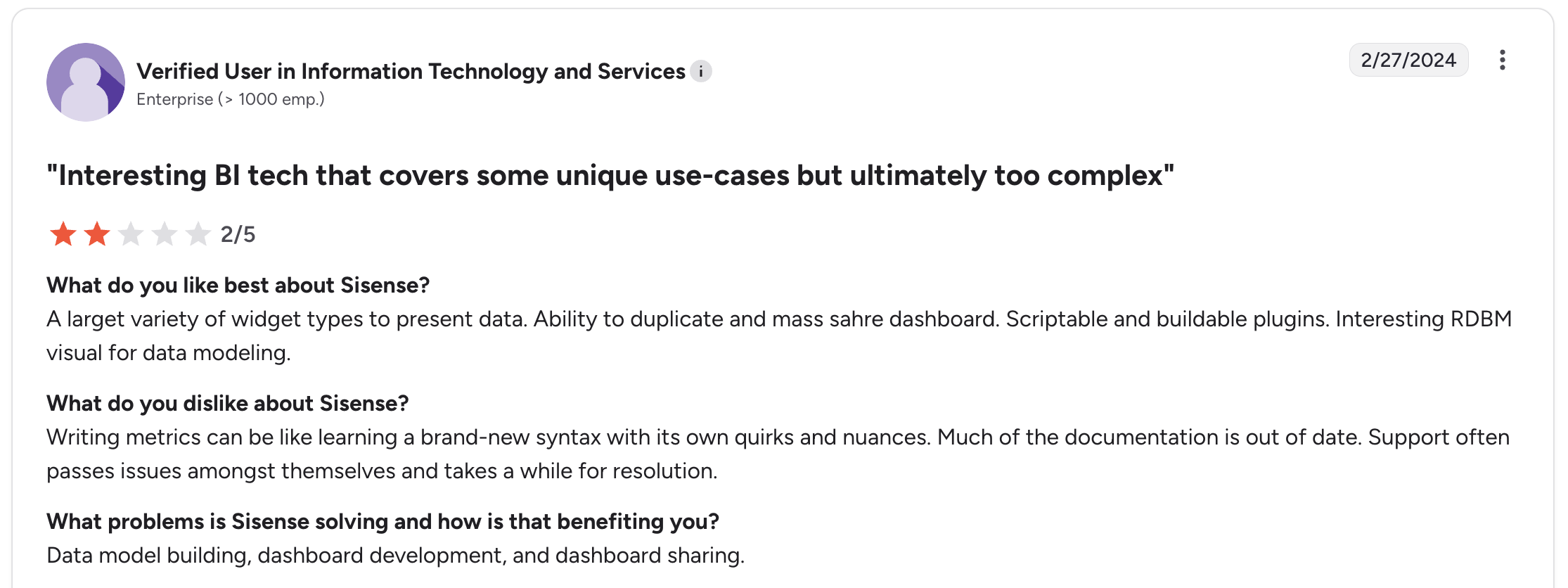
Pricing lacks transparency. Most teams report that understanding the total cost of ownership requires multiple sales calls and negotiations. This makes budget planning difficult.
Limited true self-service capabilities. While Sisense markets itself as user-friendly, non-technical users typically still need IT assistance for anything beyond viewing pre-built dashboards.
Customization comes with maintenance costs. Sisense allows extensive customization, but this creates ongoing maintenance burden. Updates can break customizations, requiring continuous troubleshooting.
Sisense works well for data-savvy enterprises with dedicated resources. However, for SaaS startups embedding analytics or mid-market companies that need efficient dashboard delivery, these challenges become significant.
How We Evaluated These Alternatives
Our evaluation focused on several key criteria:
Ease of deployment & use - Can your team implement the solution without external consultants?
Embedded analytics capabilities - How effectively does the platform support white-label embedding in your product?
AI & automation features - Does it actively help users discover insights?
Pricing transparency - Can you determine costs without lengthy sales cycles?
Developer experience - How manageable is customization for your engineering team?
Scalability - Will the platform grow with your organization?
The 7 Best Sisense Alternatives
1. Toucan
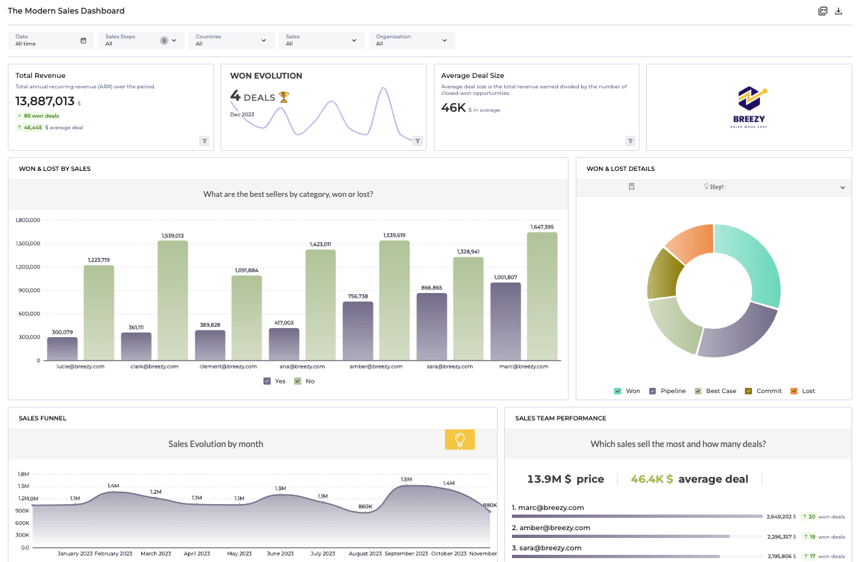
Best for: Teams embedding customer-facing analytics with AI-powered insights
Toucan focuses specifically on companies that need to embed analytics into their products, not just internal dashboards. The platform emphasizes AI-driven data exploration, allowing customers to ask questions in natural language and receive answers without understanding the underlying data model.
Implementation is straightforward. Toucan's no-code environment allows you to connect data sources, design dashboards, and deploy them without writing SQL.
Key differentiators:
- Native AI that guides users to relevant insights
- Purpose-built for embedding with effective white-labeling
- No-code workflow that maintains sophistication
- Rapid time-to-value
Strengths:
- SaaS companies embedding analytics for customers
- Teams requiring AI features without custom development
- Organizations seeking alternatives to complex BI platforms
Considerations:
- Newer platform compared to established tools
- Enterprise feature set still developing
Pricing: Starting at $900 with unlimited users.
What users say: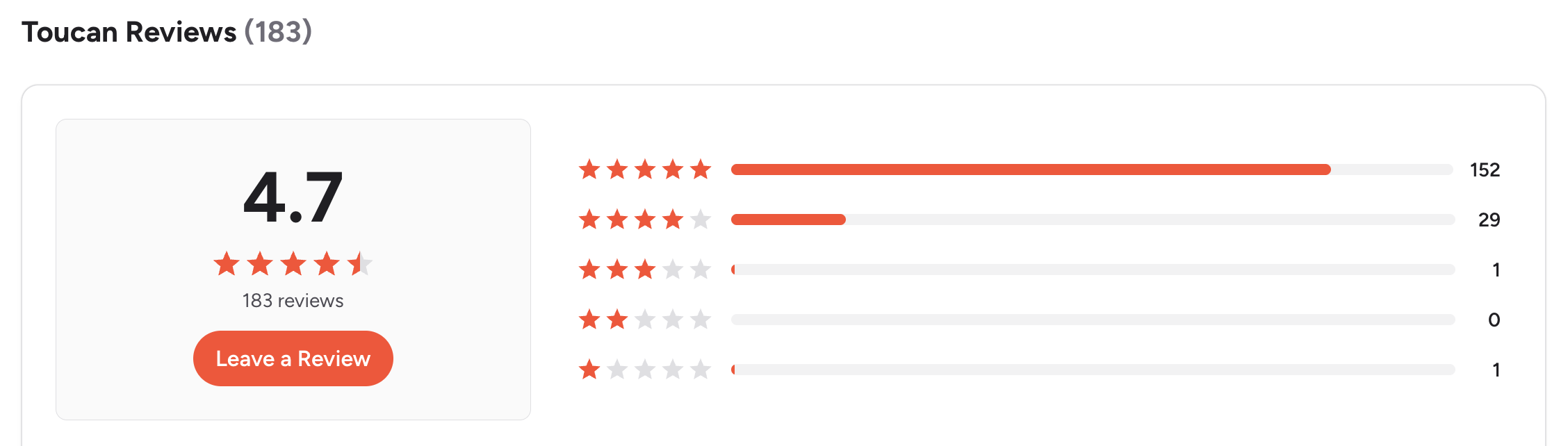 Check our G2 reviews
2. Tableau
Best for: Analysts requiring advanced visualization and self-service BI
Tableau represents the industry standard for data visualization. Teams experienced with data analysis appreciate its powerful, flexible charting capabilities and extensive community resources.
However, Tableau is designed primarily for analysts rather than end-users. Your data team will find it intuitive, while other departments may require significant training.
Key differentiators:
- Industry-leading visualization capabilities
- Extensive ecosystem of connectors and extensions
- Powerful desktop tool for deep analysis
Strengths:
- Organizations with dedicated analytics teams
- Companies prioritizing visual data storytelling
- Teams in the Salesforce ecosystem
Considerations:
- Steep learning curve for non-technical users
- Complex and potentially expensive licensing structure
- Performance challenges with very large datasets
Pricing: Creator $75/user/month, Explorer $42/user/month, Viewer $15/user/month (billed annually)
What users say: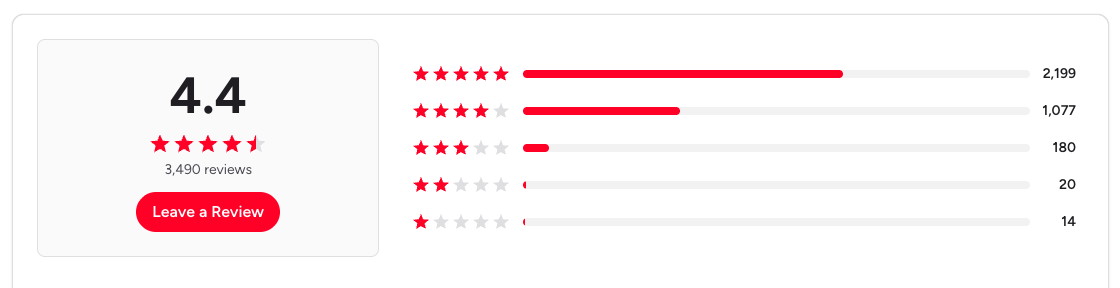
3. Power BI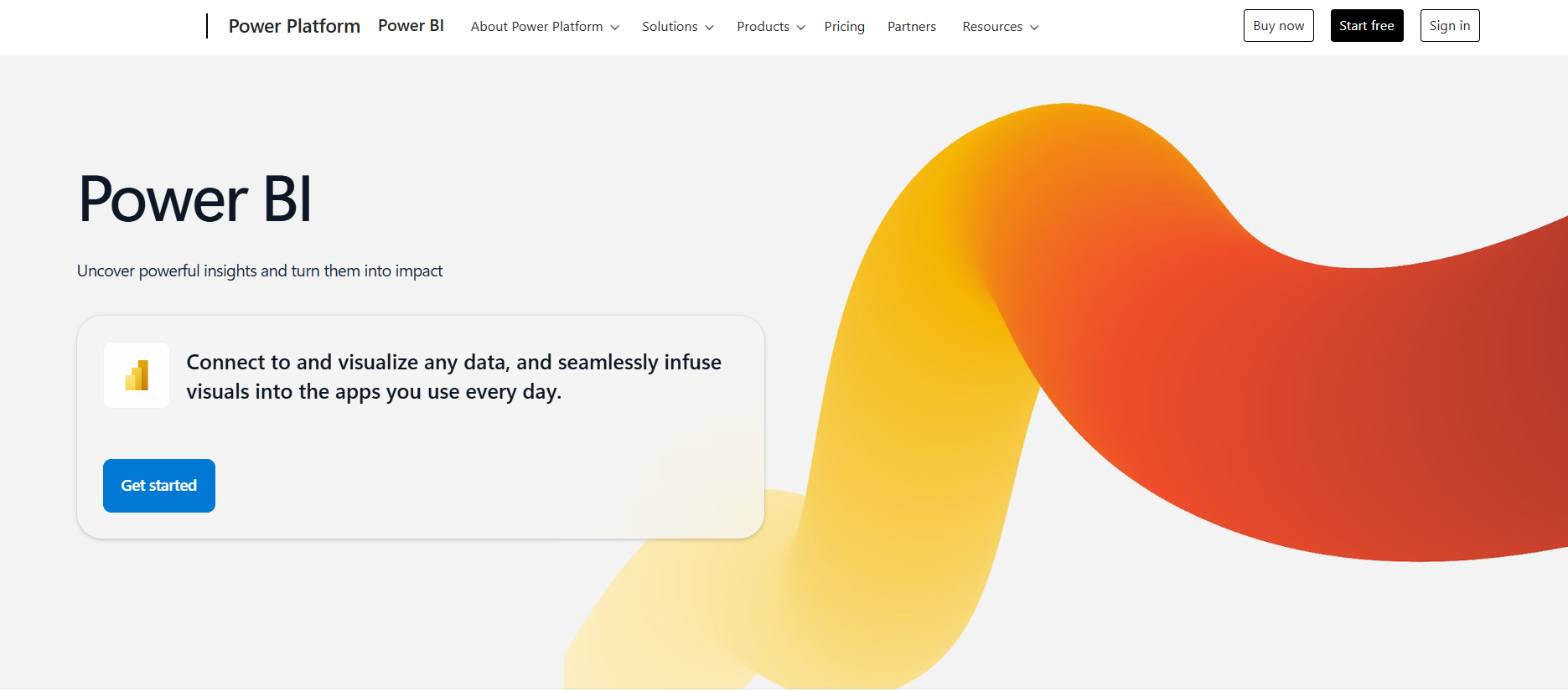
Best for: Microsoft-heavy organizations
For companies running on Microsoft 365, Power BI offers seamless integration. The pricing is competitive, and IT teams typically have existing expertise.
Power BI has improved substantially in recent years, particularly regarding AI features and mobile access. It's now a capable platform beyond being simply cost-effective.
You can have a look on our page Toucan versus Power BI.
Key differentiators:
- Deep Microsoft ecosystem integration (Teams, SharePoint, Azure)
- Competitive pricing structure
- Frequent feature updates
Strengths:
- Organizations using Microsoft 365 or Azure
- Companies requiring tight Excel integration
- Budget-conscious teams needing enterprise features
Considerations:
- Optimal experience requires Premium capacity
- Less effective outside Microsoft ecosystem
- Both creators and viewers need licenses (without Premium)
Pricing: Contact Microsoft for current pricing
What users say:
If you are looking for an alternative to Power BI, this article can help you.
4. Looker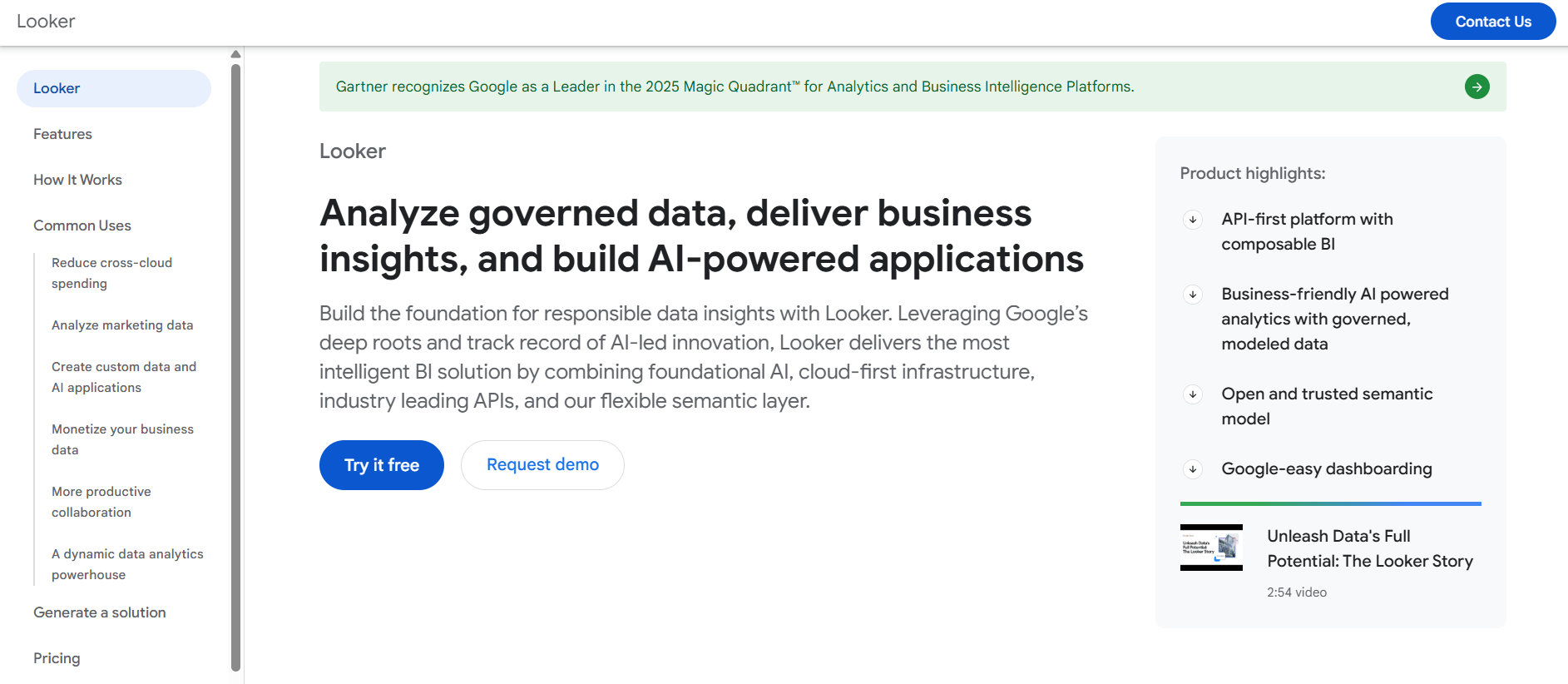
Best for: Enterprises requiring centralized, governed data modeling
Looker (now part of Google Cloud) takes a distinct approach. Rather than allowing ad-hoc dashboard creation, Looker uses LookML, a modeling language that defines metrics centrally. This ensures consistent metric definitions across your organization.
This approach is powerful for governance but requires developers proficient in SQL and LookML. It's not a tool for immediate business user adoption.
Key differentiators:
- Semantic layer (LookML) ensures metric consistency
- Native BigQuery integration for Google Cloud
- Git-based version control for data models
Strengths:
- Large enterprises with complex data governance requirements
- Organizations on Google Cloud Platform
- Teams with developers who can maintain LookML
Considerations:
- Requires dedicated developers for model building and maintenance
- High cost (starts around $3,000+/month)
- Not suitable for small teams or non-technical users
Pricing: Starts at approximately $3,000/month (varies significantly by user count and usage)
If you are looking for an alternative to Looker, this article can help you.
What users say:
5. Qlik Sense
Best for: Associative data exploration
Qlik Sense's associative engine allows users to explore data relationships without predefined drill paths. Clicking on any data point updates the entire dashboard to show related information.
This is valuable for exploratory analytics, though the interface feels dated compared to newer platforms. Organizations familiar with Sisense will find Qlik Sense similar in complexity.
If you are looking for an alternative to Qlik, this article can help you.
Key differentiators:
- Associative data engine for dynamic relationship exploration
- Strong data integration and ETL capabilities
- Flexible deployment options (cloud, on-premise, hybrid)
Strengths:
- Organizations valuing exploratory analytics
- Teams with complex data relationships
- Companies requiring deployment flexibility
Considerations:
- Interface less modern than newer platforms
- Steep learning curve for advanced capabilities
- Pricing transparency issues
Pricing: Contact for pricing (typically enterprise-focused)
What users say: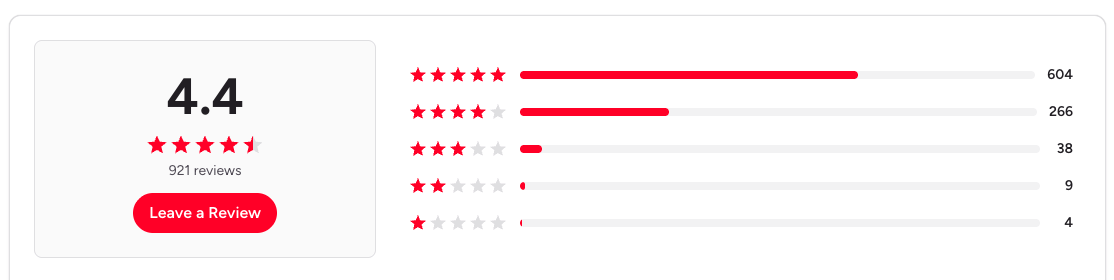
6. ThoughtSpot
Best for: Search-driven analytics for large enterprises
ThoughtSpot's approach is straightforward: allow people to search their data like they search Google. Type "revenue by region last quarter" and receive instant answers.
The system works effectively, particularly for business users who prefer not to learn traditional BI tools. The AI-powered insights are robust, and the interface is clean.
Key differentiators:
- Natural language search across data
- AI-generated insights (ThoughtSpot SpotIQ)
- Designed for business users rather than analysts
Strengths:
- Large enterprises democratizing data access
- Organizations with less technical end-users
- Companies with enterprise budgets
Considerations:
- High cost (typically $100K+ annually for mid-sized deployments)
- Requires quality data modeling for effective search
- Excessive for smaller teams
Pricing: Enterprise pricing (typically $100K to $500K+ annually)
What users say: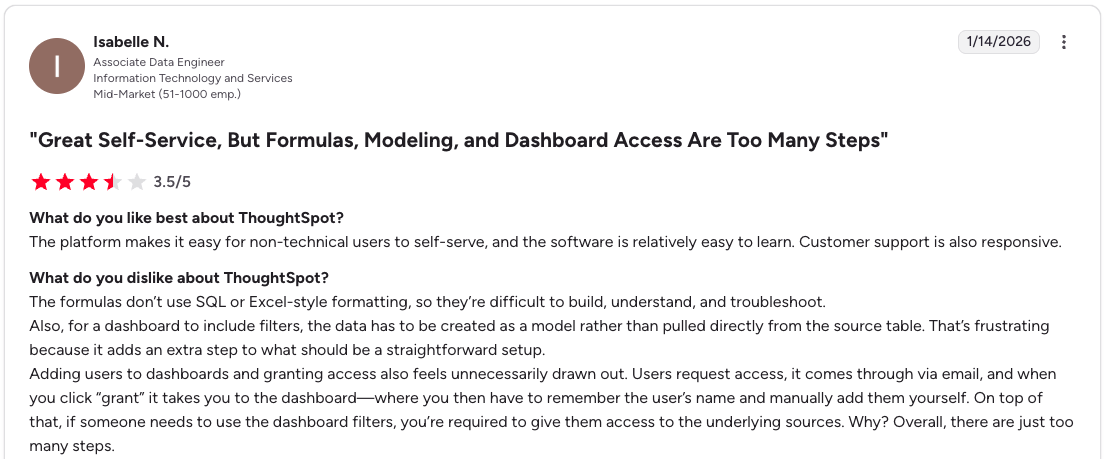
7. Metabase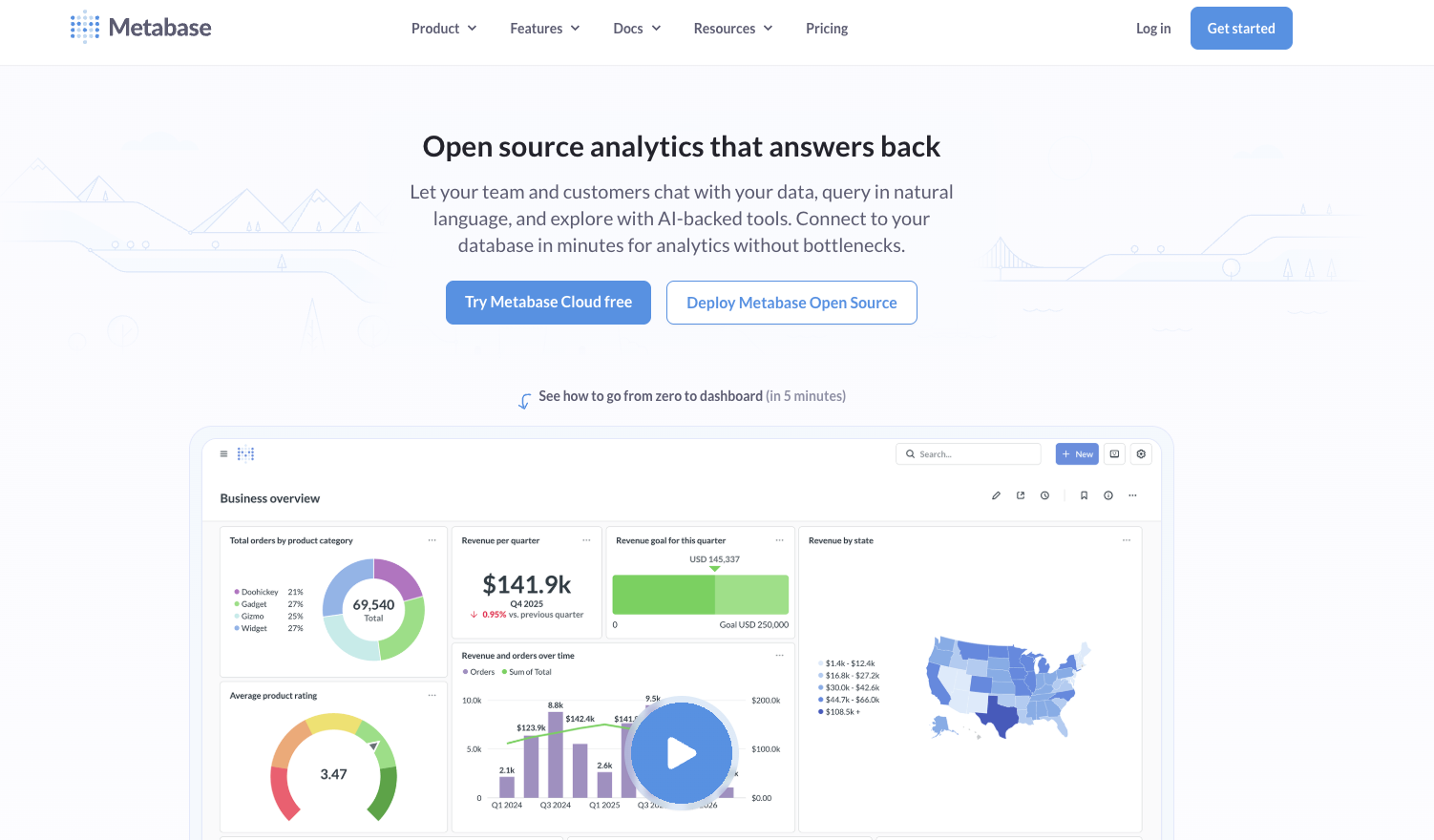
Best for: Open-source, budget-conscious teams
Metabase is notably straightforward. It's open-source, free to self-host, and genuinely easy to implement. For startups or small teams requiring clean dashboards without enterprise complexity, Metabase is practical.
The trade-off: you manage support yourself (unless you pay for hosted plans), and advanced features like white-label embedding require paid tiers.
If you are looking for an alternative to Metabase, this article can help you. Or this one for a direct comparaison with Toucan.
Key differentiators:
- Free and open-source
- Rapid setup (genuinely quick)
- Clean, modern interface
Strengths:
- Startups and small businesses
- Teams with technical resources for self-hosting
- Projects requiring basic BI without high costs
Considerations:
- Limited support on free tier (community forums only)
- Advanced features (SSO, white-label embedding) require paid plans
- Not designed for complex enterprise requirements
Pricing: Open Source (free), Starter $85/month (5 users), Pro $500/month (10 users)
What users say: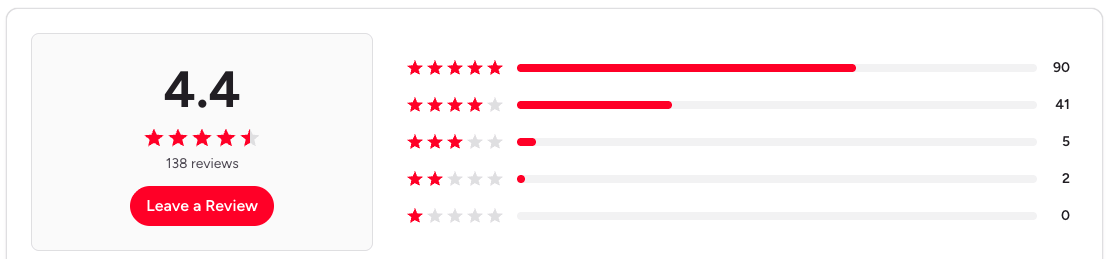
Other Notable Alternatives
Luzmo positions itself as an AI-powered embedded analytics platform with strong focus on white-labeling and developer experience. It's particularly well-suited for SaaS companies that need to quickly embed dashboards with minimal engineering effort.
Embeddable takes a developer-first approach, offering composable analytics components that engineers can integrate directly into React applications. It's ideal for teams that want full control over the analytics experience and have strong frontend development capabilities.
GoodData provides analytics-as-a-service with a focus on multi-tenant architectures and scalability. It works well for companies building analytics products that serve multiple customers with isolated data environments.
Domo combines business intelligence with data integration and workflow automation in a single platform. It's designed for organizations that want an all-in-one solution covering data preparation, visualization, and collaboration without managing multiple tools.
How to Choose the Right Alternative
Use this framework to narrow your options:
Consider your primary users:
- Customers/end-users: Toucan, ThoughtSpot
- Internal analysts: Tableau, Looker
- Business users across the company: Power BI, Qlik Sense
- Small technical team: Metabase
Evaluate your technical capacity:
- Developers available: Looker, Metabase (self-hosted), Embeddable
- Need turnkey solution: Toucan, Power BI, ThoughtSpot, Luzmo
- Moderate technical resources: Tableau, Qlik Sense
Assess your budget:
- Constrained budget: Metabase (free), Power BI
- Mid-market: Tableau, Toucan, Qlik Sense
- Enterprise: Looker, ThoughtSpot, Domo
Determine speed vs. customization priority:
- Prioritize rapid deployment: Toucan, Metabase, Power BI, Luzmo
- Require deep customization: Tableau, Qlik Sense, Looker, Embeddable
Making the Switch
Migrating from Sisense requires careful planning:
Start with a pilot. Select one team or use case for initial migration. Avoid attempting to move everything simultaneously.
Map your data sources early. Document all databases, APIs, and files you're connecting. This is where delays typically occur.
Plan for training. Even intuitive tools require onboarding. Budget adequate time for team learning.
Establish governance. If moving to a more open platform (like Tableau or Power BI), define clear policies for dashboard creation and metric definitions.
Final Thoughts
No BI tool is universally perfect. The right choice depends on your specific situation.
Sisense serves large enterprises with technical resources well. However, if you're building a SaaS product requiring embedded analytics, Toucan's AI-powered approach may be more suitable. For organizations heavily invested in Microsoft licenses, Power BI is logical. For startups needing straightforward dashboards, Metabase provides rapid implementation.
The 2026 landscape emphasizes AI, embedded analytics, and genuine accessibility for non-technical users. Select the tool aligned with your future direction, not just your current state.
Ready to evaluate? Most platforms offer free trials. Test a few options with your actual data to determine the best fit for your team.
If you're specifically interested in embedded analytics with AI that doesn't require extensive data engineering, explore Toucan's free trial.
FAQ
.png?width=112&height=112&name=portrait_agathe_face%20(1).png)
