
6 Databases for Analytics: Choosing the Right Database
.png?width=88&height=88&name=portrait_agathe_face%20(1).png)
Agathe Huez
Publié le 21.03.24
Mis à jour le 02.06.26
7 min
TL;DR: Quick Guide to Analytics Databases
- ClickHouse → Best for real-time analytics with sub-second queries on billions of rows
- Snowflake → Best for multi-cloud deployments and data sharing with zero infrastructure
- BigQuery → Best for Google Cloud users wanting serverless, zero-management analytics
- Redshift → Best for AWS-native stacks and enterprise data warehousing
- PostgreSQL → Best for teams starting small who want to scale later
- Azure Synapse → Best for Microsoft ecosystem integration
- Key rule: Test under realistic concurrency, not just single queries — performance collapses under load
Using a database for analytics requires understanding analytical database software and its unique capabilities for storing business data. A database for analytics is a scalable solution that allows you to store and organize key business metrics for business intelligence purposes.
The best analytical databases provide open-source solutions, meaning the codebase is free to download, alter, and reuse without licensing fees. However, choosing the right analytical database can be challenging. Let's explore your options.
What Makes a Database Great for Analytics?
In 2026, three core capabilities define the best databases for analytics.
Speed matters. Your database should deliver sub-second query latency even when scanning billions of rows. The difference between 100 milliseconds and 5 seconds isn't just user experience — it's whether your analytics get used at all.
Data freshness matters. Modern analytics databases need to handle millions of events per second through streaming ingestion, making data available within seconds rather than hours.
Concurrency reveals reality. A database executing a single query in 50 milliseconds might spike to 5 seconds with 10 concurrent users. Test under load, not in isolation.
Types of Database Management Systems
Database Management Systems (DBMS) serve as crucial software systems designed for storing, retrieving, and executing queries on data. Acting as a bridge between end-users and databases, DBMS facilitate operations like data creation, reading, updating, and deletion within the database.
DBMS oversee the management of data, the database engine, and the database schema, empowering users and other programs to manipulate or extract data while ensuring data security, integrity, concurrency, and standardized administration procedures.
Employing a schema design technique known as normalization, DBMS optimize data organization by breaking down large tables into smaller ones to eliminate redundancy in attribute values. Compared to traditional file systems, DBMS offers numerous advantages including enhanced flexibility and a sophisticated backup system.
Classification of database management systems can be based on various criteria such as the data model, database distribution, or user numbers. The predominant types of DBMS software include relational, distributed, hierarchical, object-oriented, and network systems.
- Distributed Database Management System: A distributed DBMS comprises logically interconnected databases spread across a network, managed by a centralized database application. This type of DBMS ensures data synchronization at regular intervals and guarantees universal updating of any data changes in the database.
- Hierarchical Database Management System: Hierarchical databases arrange model data in a tree-like structure, with data storage organized either in a top-down or bottom-up format, depicted through parent-child relationships.
- Network Database Management System: The network database model caters to complex relationship needs by allowing each child to possess multiple parents. Entities are structured in a graph accessible through various paths.
- Relational Database Management System: Relational database management systems (RDBMS) stand out as the most prevalent data model due to their user-friendly interface. Relying on data normalization within table rows and columns, RDBMS offer scalability, flexibility, and efficient management of extensive information.
- Object-Oriented Database Management System: Object-oriented models store data in objects rather than conventional rows and columns, leveraging object-oriented programming (OOP) principles that enable objects to possess members such as fields, properties, and methods.
--
There are three primary technology options for database management systems used in business analytics: MySQL, NoSQL, and PostgreSQL. Several open-source databases are built on these technologies.
Let’s look closer at these unique systems.

Three Core Technologies
MySQL
MySQL is a relational database using tables with rows and columns. It's one of the most popular open-source systems, powering Netflix, Facebook, Shopify, and Uber. Widely used for transactional systems and content management where data consistency is essential.
Best for: Transactional workloads, strong data consistency.
NoSQL
NoSQL databases store data in flexible structures like JSON documents rather than rigid tables. They handle unstructured or semi-structured data, making them ideal for IoT, social media, and applications requiring extreme scalability. MongoDB is a popular example.
Best for: Unstructured data, rapid iteration, extreme scalability.
PostgreSQL
PostgreSQL is an open-source database supporting both SQL and JSON querying. Known for flexibility and reliability, it handles complex queries, data integrity requirements, and hybrid workloads. Data warehouses like Redshift are built on PostgreSQL.
Best for: Complex queries, starting small and scaling later.
Top 6 Databases for Analytics
1. ClickHouse
ClickHouse is an open-source, columnar database designed for real-time analytics and OLAP workloads. It processes billions of rows per second with sub-second query latency through columnar storage, vector computation, and aggressive compression.
ClickHouse powers real-time analytics at companies handling trillions of events daily. It's particularly effective for high ingestion throughput (millions of events per second) and fast aggregations.
Best for: Real-time analytics, high-velocity data streams, customer-facing dashboards, log analytics.
2. Snowflake
Snowflake is a cloud-native data warehousing platform offering flexibility and scalability. It separates storage from compute resources, allowing teams to scale each independently. Known for ease of use and support for various data types.
Key features include optimized storage, elastic multi-cluster computing, Snowgrid for global connectivity, Snowflake Horizon for governance, and Snowpark for AI/ML development.
Best for: Multi-cloud deployments, data sharing across organizations, ease of use.
3. Google BigQuery
BigQuery is a fully managed, serverless enterprise data warehouse. It's highly scalable and cost-effective, processing terabytes and petabytes in seconds with zero infrastructure management.
BigQuery supports standard SQL queries and integrates seamlessly with Google Cloud services. Its serverless architecture delivers high performance without rebuilding indexes or managing infrastructure.
Best for: Google Cloud users, serverless architecture, zero infrastructure management.
4. Amazon Redshift
Based on PostgreSQL, Redshift is a fully managed, petabyte-scale data warehouse in the cloud. Offered by AWS, it handles petabytes of data using columnar storage optimized for complex analytical queries.
Redshift automatically provisions resources and scales capacity. You only pay for what you use, with no charges when idle.
Best for: Enterprise data warehousing, AWS-native stacks, comprehensive BI capabilities.
5. PostgreSQL
PostgreSQL is a reliable open-source RDBMS suitable for data warehousing and analytical workloads despite being a general-purpose database. Extensions like TimescaleDB add time-series analytics capabilities.
Features include complex queries, foreign keys, triggers, transactional integrity, and multi-version concurrency control.
Best for: Teams starting simple and scaling later, hybrid OLTP/OLAP workloads, PostgreSQL experts.
6. Microsoft Azure Synapse Analytics
Azure Synapse is a cloud-based warehousing service managing large volumes of data and complex analytics. It combines SQL technologies for enterprise data warehousing with Azure Data Explorer for log analytics and Apache Spark for big data.
Azure Synapse integrates with Power BI, AzureML, and CosmosDB.
Best for: Microsoft ecosystem users, integrated analytics across SQL and Spark.
Real-Time vs. Batch Analytics
Real-time analytics databases like ClickHouse, Apache Druid, and Apache Pinot process streaming data and deliver insights within seconds. They handle millions of events per second with low query latency. Use these for customer-facing dashboards, monitoring systems, or applications where data freshness matters.
Traditional data warehouses like Snowflake, BigQuery, and Redshift excel at batch analytics — processing large volumes in scheduled intervals. They're more cost-effective for historical analysis and business intelligence where sub-second latency isn't critical.
Many successful deployments use both: streaming data flows to ClickHouse for real-time dashboards, then to Snowflake for long-term historical analysis.
How to Choose
Start with your query patterns. Complex joins across normalized tables? PostgreSQL or Snowflake fit better. Fast aggregations on denormalized data? ClickHouse excels.
Consider your team's expertise. If your team knows PostgreSQL, TimescaleDB might deliver faster results than learning ClickHouse's unique architecture.
Evaluate operational complexity. Managed services like BigQuery, Snowflake, or Toucan's embedded analytics platform eliminate infrastructure headaches. Self-hosted ClickHouse delivers maximum performance but requires dedicated database expertise.
Test under load. Run proof-of-concepts with realistic concurrency before committing. A database that screams on benchmarks might struggle under 100 concurrent users.
Factor in total cost. Include engineering time, ingestion infrastructure, and operational overhead. A "cheaper" database requiring three engineers to maintain isn't actually cheaper.
Analytics on Top of Your Database With Toucan
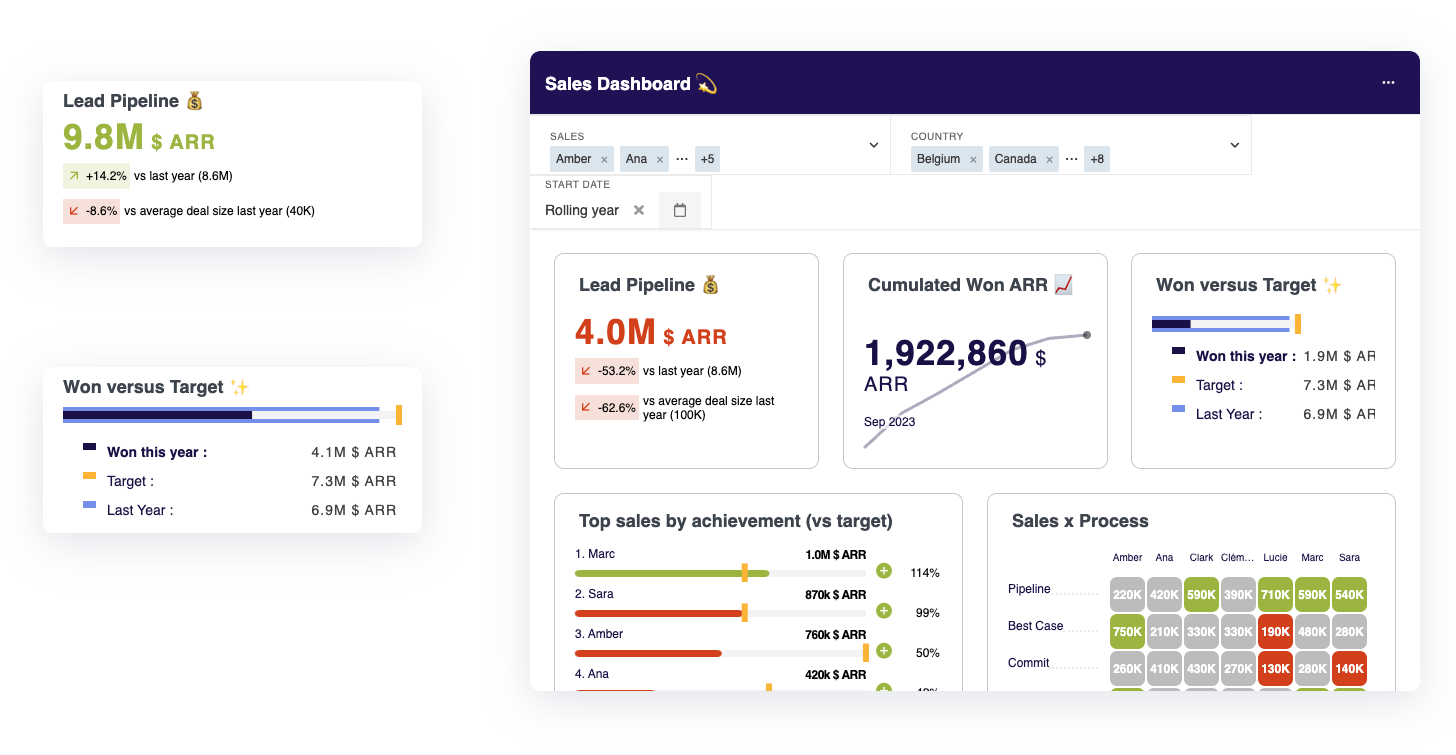
Toucan transforms data from your analytics database into actionable insights with embedded analytics capabilities. Whether you're using ClickHouse for real-time metrics, Snowflake for historical analysis, or PostgreSQL for hybrid workloads, Toucan connects to your database and creates interactive, storytelling-driven dashboards.
Get a demo of Toucan today!
FAQ
.png?width=112&height=112&name=portrait_agathe_face%20(1).png)
