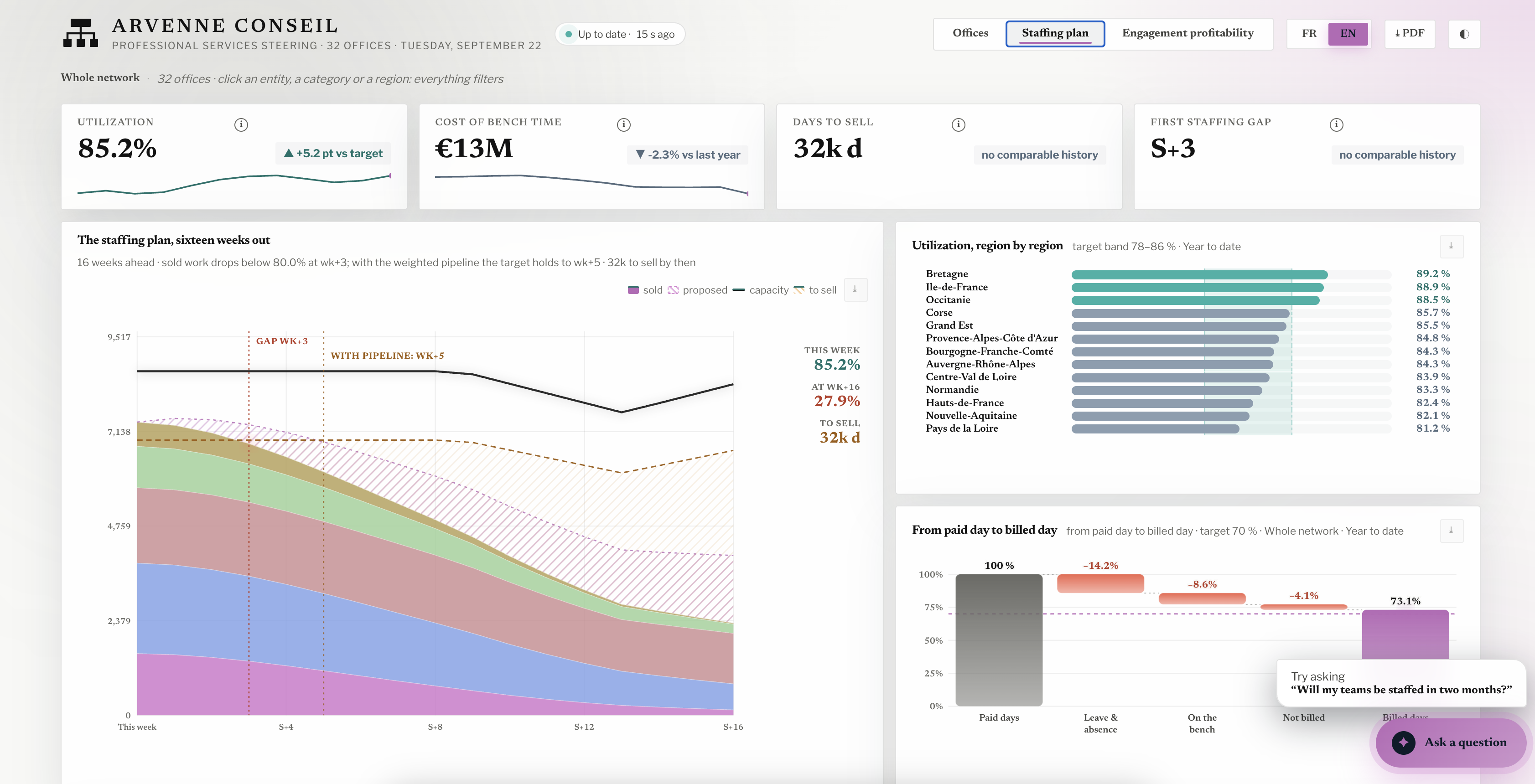
Switching your analytics to Claude + MCP? Read this first

Alim Goulamhoussen
Publié le 06.10.26
7 min
TL;DR
- Claude + MCP is a real analytics setup. It connects to live data and builds interactive dashboards.
- It replaces the interface. It does not replace the work behind the numbers.
- Great for one person exploring. Risky as the only source of numbers for a team.
- Before you switch, answer seven questions. They are below.
The pitch is tempting.
Cancel the BI licenses. Connect Claude to your data. Ask questions in plain English.
And it works. That is exactly why it deserves ten minutes of thought before you switch.
What does "switching your analytics to Claude + MCP" mean?
Switching your analytics to Claude + MCP means using Claude as the main interface to your business data. MCP (Model Context Protocol) is the open standard that lets Claude connect to your sources: a database, a warehouse, a CRM, a file drive. Instead of opening a dashboard, you ask a question. Claude queries the source and answers with a number, a chart or an interactive dashboard.
In practice:
- You add one connector per data source.
- Each user signs in with their own access.
- Claude writes the query, runs it and shows the result.
- It can build a dashboard that pulls fresh data each time you open it.
What does Claude + MCP do well?
A lot. Let's be fair about it.
- Ad hoc questions. "Which region slowed down last month?" Answered in seconds, no ticket.
- Exploration. You follow up, dig, change the angle. No dashboard does that.
- First drafts. Claude builds real interactive views, not just bars and lines.
- Cross-source questions. CRM plus finance data in one answer, if both are connected.
If you are one curious person with clean data, stop reading and go try it.
What changes when a whole team relies on it?
One thing.
The switch does not remove the analytics work. It moves it to you.
A BI setup hides a lot of quiet work: definitions, access rules, fixes, checks. With Claude + MCP, the interface gets easy. That quiet work is still there. Someone has to own it.
What should you check before switching to Claude + MCP?
Seven questions. If you have a clear answer to each, switch with confidence.
1. Who defines your metrics?
Every team has words that sound simple and are not. Revenue, active customer, margin.
A semantic layer solves this. It is the one place where each business term has one definition.
- Claude reads your tables. It does not know your business rules unless someone wrote them down.
- Is revenue booked or billed? With or without refunds?
- Without a semantic layer, two people ask the same thing in different words and can get two different numbers.
- With a semantic layer, Claude answers from the same certified definitions every time.
- A semantic layer is not a one-off. Someone has to build it and keep it current.
Ask yourself: do we have a semantic layer, and who maintains it?
2. Who sees what?
In a BI setup, access rules sit in the dashboard. With Claude + MCP, they sit in your data sources.
- Each person queries through their own connector and their own access.
- So permissions live in your source systems, not in the dashboard.
- If a database login can read everything, so can Claude.
- Row-level rules (a manager sees only their region) must exist at the source. That is a project.
Ask yourself: could a sales rep query payroll today?
3. Can you get the same number twice?
This one is about trust. People trust a number when it stays the same, whoever asks and however they ask.
- A classic dashboard runs the same query every time.
- A conversation writes a new query for each question.
- A small change in wording can change a filter, and the result.
- One unexplained gap is enough to break trust. After that, people re-check everything in a spreadsheet.
- Three months later, someone asks how a board number was computed. You need an audit trail: who changed which definition, when, and why.
- In a chat setup, that history is scattered across conversations.
Ask yourself: can we trace any number back to its definition and its last change?
4. Who fixes it when your data schema changes?
Claude answers from your data schema: your tables, your columns and how they link together. That schema changes more often than you think.
- A column gets renamed. A table gets split. A CRM field is retired.
- Each schema change can break a query. Or worse, change its result with no error.
- Connectors and definitions have to follow every schema change.
- Nothing warns you when an answer goes quietly wrong.
- When a number looks off, someone has to debug it: open the query, check the definition, go back to the source table.
Ask yourself: who tracks schema changes, and who can debug a wrong number?
5. Can you change one element without breaking the rest?
You want a new filter on one chart. Nothing else. It sounds like the easy part.
- In a chat-built dashboard, a change request can rewrite more than the part you pointed at.
- Another chart moves. A total shifts. You notice later, or you don't.
- So people stop asking for changes. The dashboard freezes.
- What you need: changes scoped to one specific element, a version history, and a way to roll back.
- And a check that every other number stayed the same.
Ask yourself: can I ask for one change without fearing for everything else?
6. How do you share it?
A number is only useful once other people see it. This is where a personal assistant and a team app differ most.
- A Claude dashboard that pulls live data cannot be shared through a public link.
- Viewers need a Claude account in your organization, with their own connectors.
- Fine for five people. Harder for 200 store managers, a board or your clients.
Ask yourself: who needs to see these numbers, and do they all have access?
7. Who signs off on the number?
This one is not technical. It is about responsibility.
- "Claude made it" is not an answer when the board number is wrong.
- Someone has to check the logic before a figure leaves the room.
- That person needs time, context and data skills.
Ask yourself: whose name is on the number?
Should you switch your analytics to Claude + MCP?
It depends on who uses the numbers. Here is our take.
| Your situation | Our take |
|---|---|
| One person or a small data-savvy team, exploring | Switch. Claude + MCP is enough. |
| A team that needs the same numbers every week | Combine. A governed app for core metrics. Claude on top for exploration. |
| Numbers go to a board, clients or a regulator | Don't rely on chat alone. You need definitions, permissions and a sign-off. |
| No data person in-house | Get it run for you. Claude gives you the interface. Someone still has to own the numbers. |
Who can build and run the setup for you?
The setup that works is not Claude or governed analytics. It is both.
- A conversational layer for the questions nobody planned.
- A shared app for the numbers everybody uses.
- One owner for definitions, access, upkeep and sign-off.
You can own that yourself, if you have the time and the data skills. You can hire an analyst or a consulting firm. Or you can have it built and run for you.
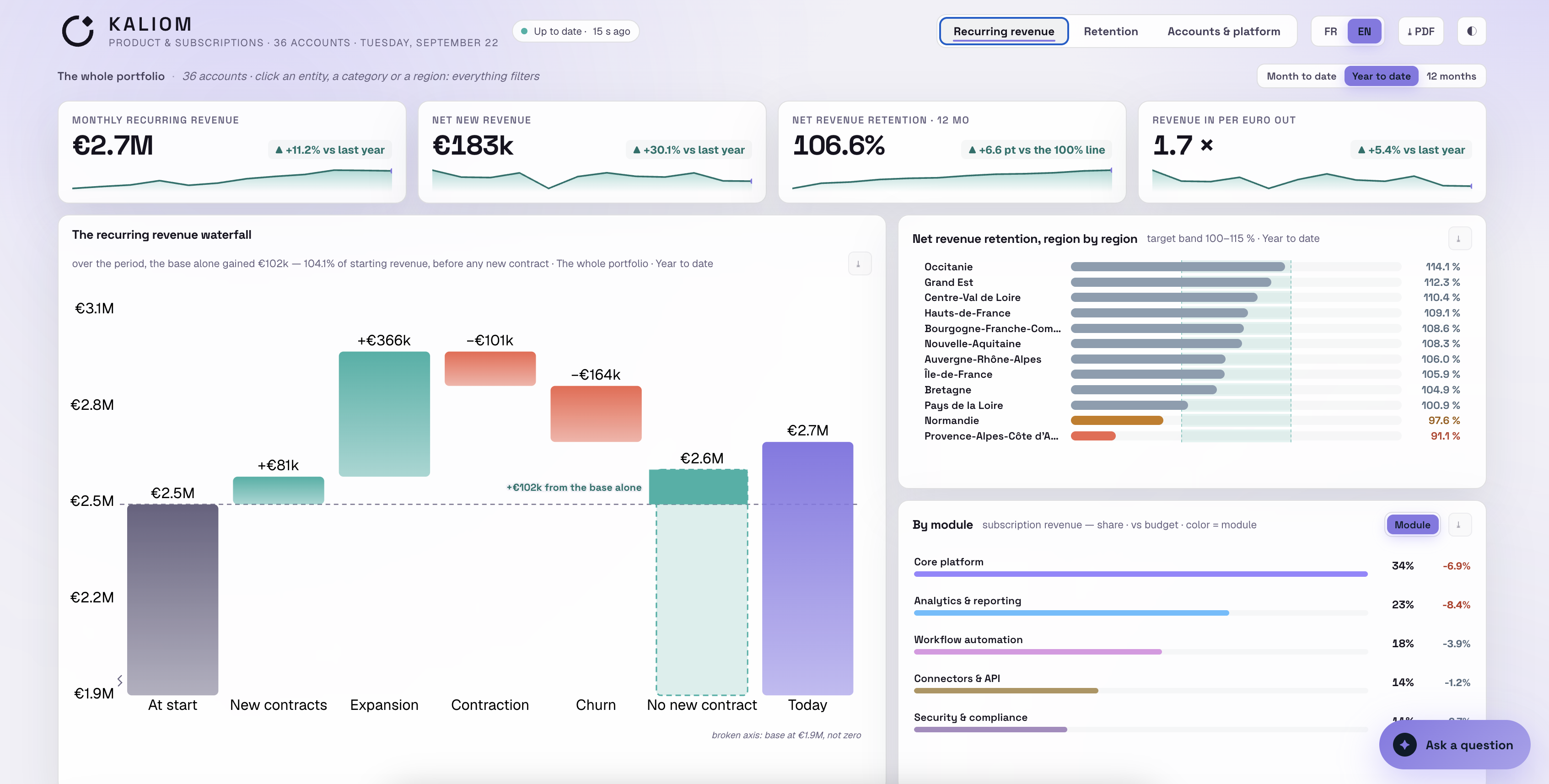
That last option is what we do. Toucan AI Crew is a managed analytics service: a supervised crew of AI agents, backed by Toucan's data experts, that builds and runs your custom data app.
Who does the work inside the Crew?
Five AI agents, each with one job. A Toucan expert supervises them and signs every release.
| Agent | What it does |
|---|---|
| Data agent | Models and prepares your tables. |
| Semantic agent | Gives every business term a single definition. Writes and computes your certified metrics. |
| Design agent | Designs the screens and visualizations specific to your business. |
| Performance agent | Handles access rights, row-level security, data separation, speed and alerts. |
| Project agent | Turns each request into a plan, then into versions. |
Look at the seven questions again. Definitions, access, changes, upkeep, sign-off. Each one has an owner here.
What you get:
- A first version of your app in 48 hours.
- Custom views built for your business, well beyond standard charts.
- Shared metric definitions and row-level security, set up for you.
- A Toucan expert who signs every release.
- Change requests made directly in the app, handled within 24 hours.
- A fixed price, a fraction of the cost of a hire or a consulting firm.
See how the Crew works, step by step. Or browse live apps in our showcase.
Keep Claude for the questions nobody planned. Let someone accountable run the numbers everyone shares.
Related reading:
FAQ
Can Claude + MCP replace Power BI or Tableau?
For one person exploring data, often yes. For a team that needs the same numbers every week, not on its own. Claude + MCP replaces the interface. You still need shared metric definitions, access rules, upkeep and someone who signs off on the numbers.
What is MCP in simple terms?
MCP (Model Context Protocol) is an open standard that lets an AI assistant like Claude connect to your tools and data sources. Each source gets a connector. Claude uses it to query the data live, with the access rights of the person asking.
Is Claude + MCP safe for company data?
Claude queries your sources with each user's own authenticated access. It sees what that user is allowed to see. So safety depends on how access is set up in your source systems. If a database login can read everything, so can Claude.
Will Claude give the same answer every time?
Not always. Claude writes a new query for each question. Different wording can lead to different filters and a different number. For the metrics that matter, use saved and reviewed definitions instead of a fresh question each time.
Do I need a data team to run analytics on Claude + MCP?
You need someone who owns the numbers. That can be an in-house analyst, a consulting firm, or a managed service like Toucan AI Crew, which builds and runs your custom data app for you.