Embedded analytics RLS: When multi-tenancy meets query-layer security

Alim Goulamhoussen
Publié le 07.09.26
8 min
If you're evaluating embedded analytics tools for a customer-facing SaaS product, "does it support RLS?" is almost the wrong question. Every major vendor will say yes. The real question is: how does it enforce tenant boundaries, and does that enforcement happen at the query layer or just in the UI?
That distinction matters enormously. An analytics tool that filters rows only in its presentation layer can be bypassed through export endpoints, direct API calls, or cached query results. For a CTO shipping analytics to paying customers, that's a security gap that can fail a SOC 2 review or, worse, expose one customer's data to another.
This guide compares eight embedded analytics tools by their actual isolation mechanics, not their marketing copy.
TL;DR
Every embedded analytics vendor claims RLS support. The real differentiator is where isolation is enforced: at the query layer, which fails closed and covers every data path, or only in the UI, which can be bypassed through exports, API calls, or cached results.
- Query-layer enforcement: Toucan (RLS via JWT), Looker (Access Filters), Power BI Embedded (dynamic DAX roles).
- Container-based isolation: Tableau Sites, ThoughtSpot Orgs, Metabase Tenants.
- For customer-facing SaaS, tools built natively for embedded use (like Toucan) reduce the amount of security engineering you own.
Why multi-tenancy and RLS aren't the same thing
Multi-tenancy means a single application instance serves multiple customers. RLS (row-level security) means each user can only read the rows they're authorized to see. You need both, and you need them connected.
In an embedded analytics context, the risk is higher than in internal BI. You're not just restricting what your own employees see; you're exposing query results directly to external users who have zero reason to trust each other. A misconfigured RLS rule, a shared query cache, or a token that doesn't carry tenant context all become breach scenarios. The Tableau Embedding Playbook puts it plainly: "Row-level Security is both a security and content management concern."
What you should demand from any vendor before signing:
-
Tenant context propagates all the way to the query layer, not just the rendering layer
-
The system "fails closed": if tenant context is missing or malformed, the query returns nothing, not everything
-
RLS coverage applies to exports, drill-downs, and API endpoints, not just the main dashboard view
8 embedded analytics tools: how they handle multi-tenancy and RLS
Here's a quick-reference comparison before going deeper on each one.
| Vendor | Embedded support | Multi-tenancy model | RLS mechanism | Enforcement point | Key limitation |
|---|---|---|---|---|---|
| Toucan Toco | Native (ISV/SaaS-first) | Token-based isolation | Query-level RLS via JWT | Query layer | Requires SaaS or self-hosted setup |
| Tableau | Embedding Playbook | Sites/Projects + User Filters | Template Dashboard, User Filters, In-database + Initial SQL | Varies by method | Three separate approaches; operational complexity |
| Power BI Embedded | Yes (embed tokens) | Workspaces + effective identity | Static or dynamic DAX roles | Semantic model layer | C#-heavy examples; composite role gaps |
| Sigma Computing | Yes (signed URLs/JWT) | User attributes + RBAC/CLS | RLS via user attributes in embedded JWT | Tool + warehouse | Warehouse RLS must be implemented separately |
| Metabase | Yes (JWT embedding) | Tenants feature | Row-level permissions via data sandbox | Tool level | Requires Pro/Enterprise plan |
| Apache Superset | Yes (RBAC + API) | Roles + RLS filters | RLS filter rules per dataset | Tool level | Open-source; significant self-managed ops burden |
| ThoughtSpot | SpotDev/Visual Embed SDK | Orgs + access control | RLS rules within an Org | Tool + Org layer | Orgs = hard tenant separation; within-Org RLS is softer |
| Looker | Embed SSO / iFrame | User attributes + Access Filters | Warehouse-enforced RLS via user attributes | Warehouse layer | Requires LookML modeling effort per tenant attribute |
1. Toucan Toco
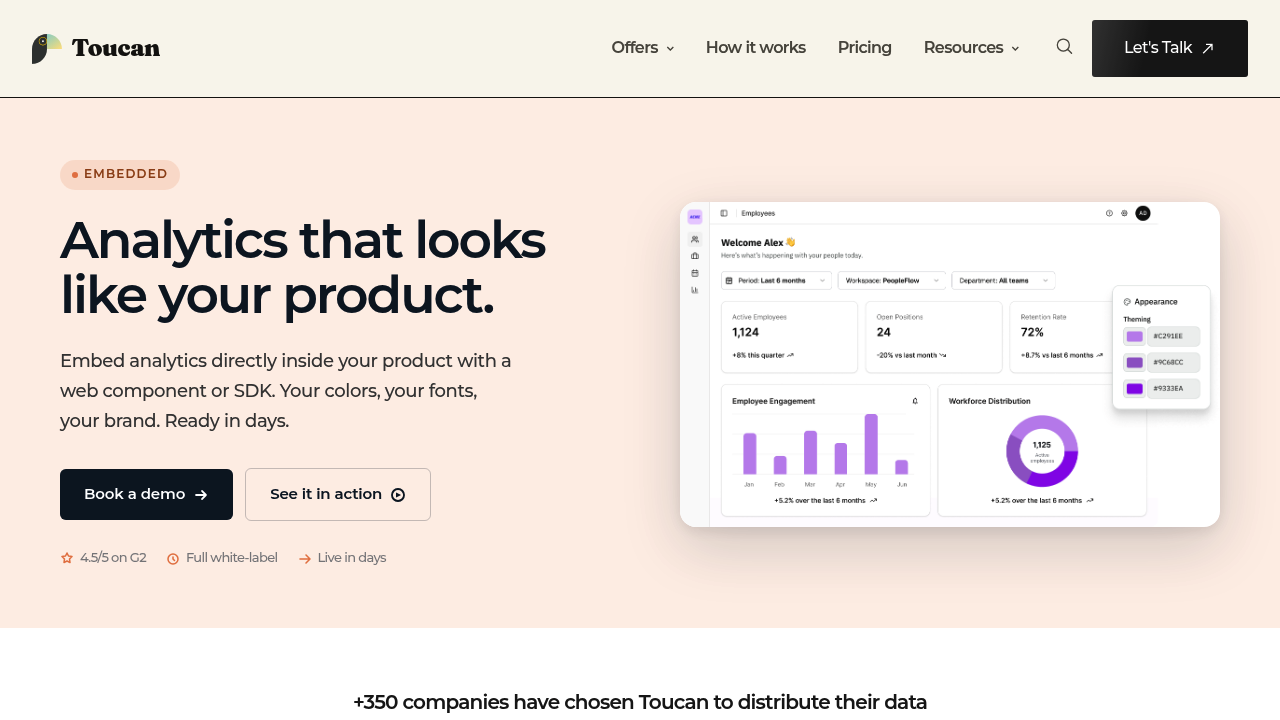
Toucan is built specifically for ISVs and SaaS companies shipping analytics to external customers, which means multi-tenant RLS isn't bolted on: it's the default architecture. According to Toucan's official documentation, "Toucan enforces row-level security at the query level using token-based authentication" (Toucan Toco, April 24, 2026). Every query carries the tenant's JWT context, so isolation is applied before any data leaves the database.
Pros: Native query-level isolation with no custom engineering required; governed semantic layer keeps RLS logic centralized; available as SaaS or self-hosted for sovereign deployments; product teams can configure and publish dashboards without depending on the data engineering team.
Cons: Primarily designed for customer-facing embedding rather than internal analyst tooling, so it's not the right fit if your primary use case is internal BI.
Toucan embedded analytics page
2. Tableau
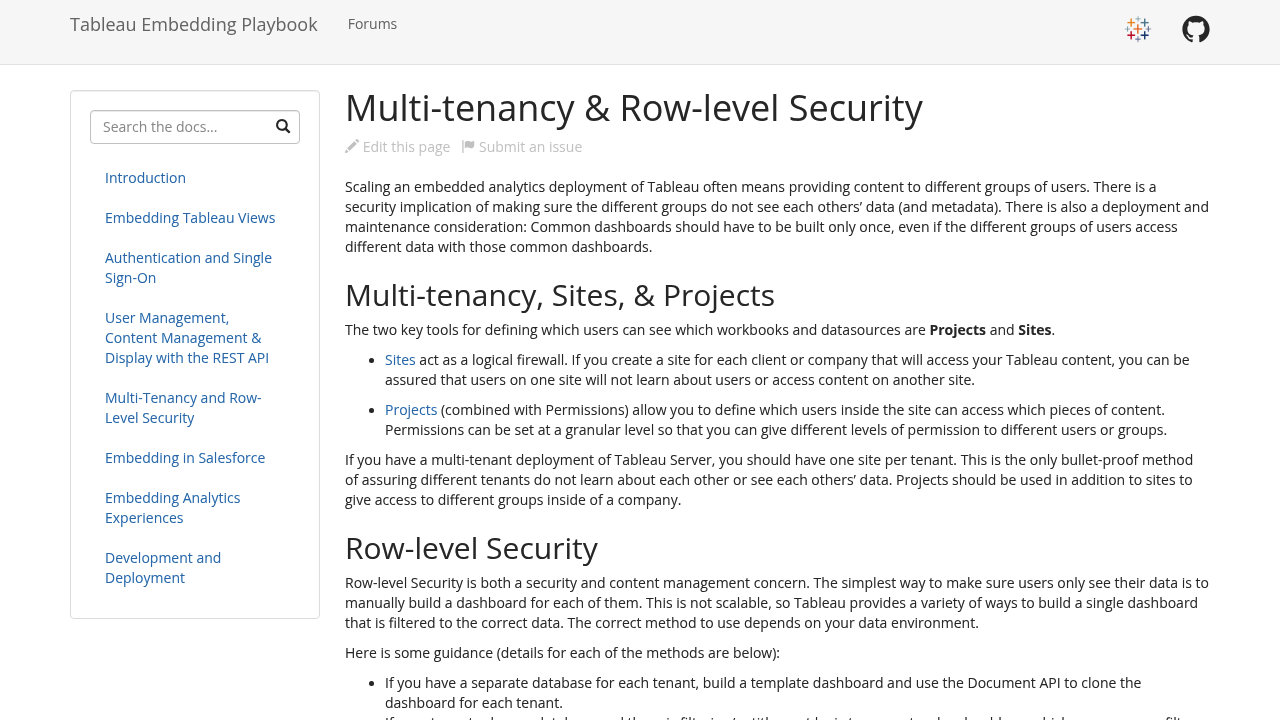
Tableau's Embedding Playbook documents three distinct RLS approaches: Template Dashboard + Document API, User Filters, and In-database Security + Initial SQL. That flexibility is useful, but it also means you're choosing a security architecture, not just enabling a feature.
Pros: Deep, well-documented multi-tenancy options including Sites/Projects for hard tenant separation; three-tier RLS approaches for different security models; strong community and enterprise support.
Cons: Operational complexity is high: maintaining separate Sites, managing User Filters at scale, and automating tenant lifecycle all require significant engineering. Tableau Cloud and Tableau Server behave differently, and the Playbook mostly covers Server patterns.
Tableau Embedding Playbook: Multi-tenancy and RLS
3. Power BI Embedded
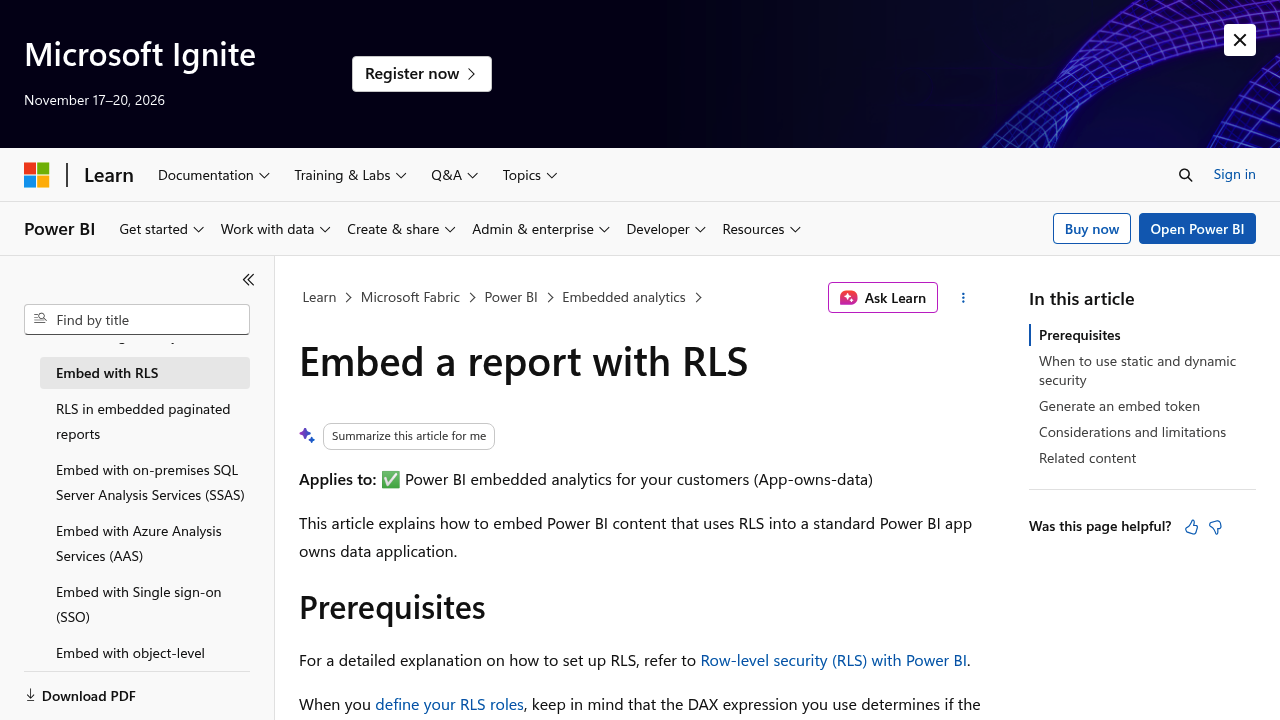
Microsoft's official documentation states that "Row-level security (RLS) restricts data access for specific users of a Power BI semantic model. Filters restrict data at the row level" (Microsoft Learn, May 13, 2026). For embedded scenarios, Power BI uses an "effective identity" model: your application generates an embed token that includes the user's effective identity and the DAX role to apply. Dynamic RLS then filters data based on USERNAME() or CUSTOMDATA() expressions.
Pros: Mature security model with static and dynamic RLS options; strong Microsoft ecosystem integration; extensive enterprise documentation.
Cons: Token generation and effective identity mapping require C# examples (other languages are under-documented); composite entitlements across multiple roles are complex to configure; export and drill-down endpoints need separate validation.
Microsoft Learn: RLS with Power BI Embedded
4. Sigma Computing
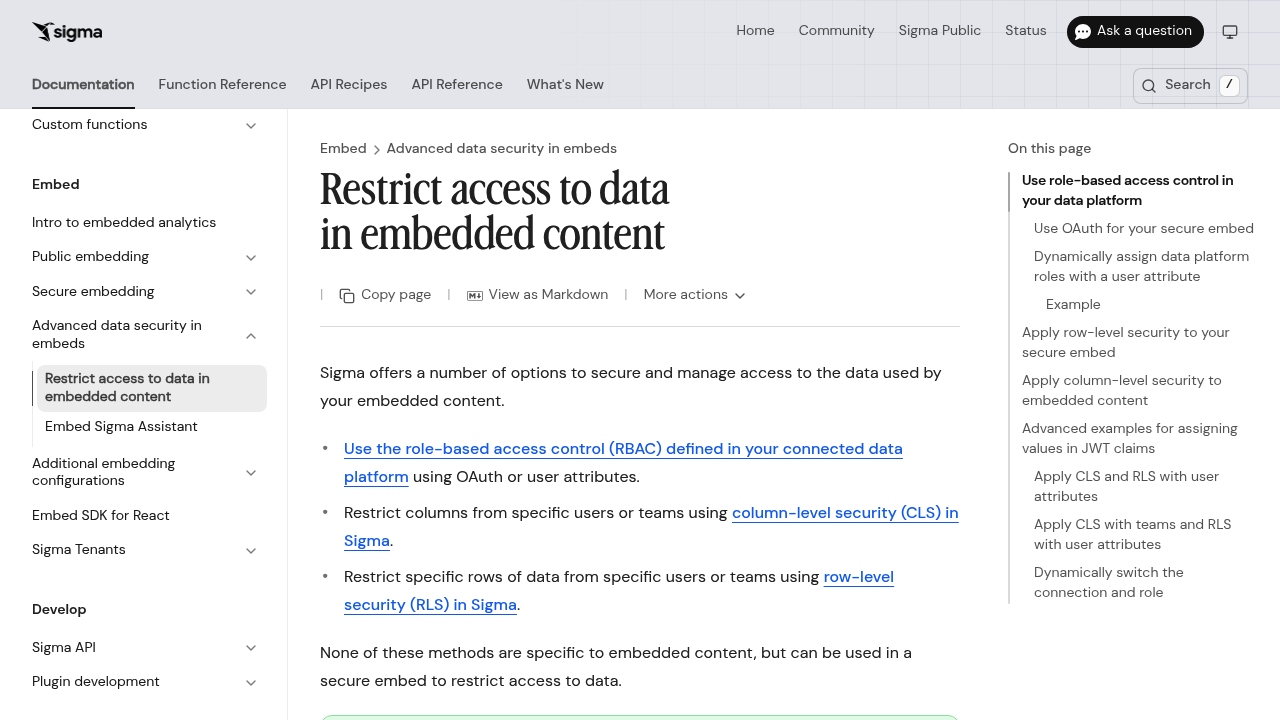
Sigma's documentation defines the approach directly: "Row-level security (RLS) is a method for restricting data access" (Sigma Computing Documentation). For embedded content, Sigma uses signed JWT embeds that carry user attributes, which you can then reference in RLS filters or column-level security rules.
Pros: Comprehensive RBAC, CLS, and RLS coverage in a single embedded JWT model; step-by-step documentation; strong embedding UX for data exploration.
Cons: Warehouse-level RLS predicates need to be implemented separately in your data model; the security model is thorough but adds architectural complexity for teams without existing warehouse RLS patterns.
Sigma: Restrict access to data in embedded content
5. Metabase
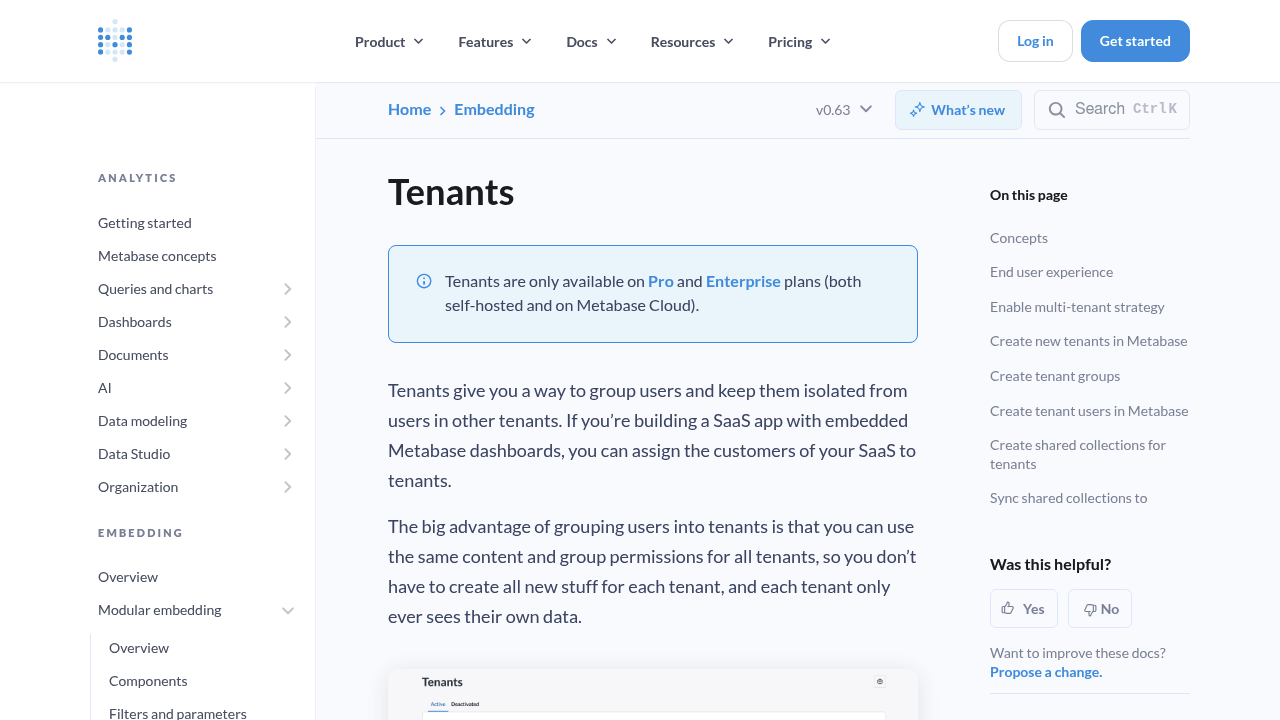
Metabase's official Tenants documentation says it plainly: "Tenants let you serve multiple customers from a single Metabase while keeping their data isolated." The Tenants feature, available on Pro and Enterprise plans, uses JWT-based embedding with data sandboxes that restrict rows per tenant.
Pros: Clean multi-tenant concept baked into the embedding model; solid JWT provisioning flow; well-documented for admin setup and tenant management.
Cons: Gated behind paid plans; dense configuration for teams new to data sandboxing; doesn't offer much architectural guidance on separate schemas vs shared table + RLS tradeoffs.
Metabase Tenants documentation
6. Apache Superset
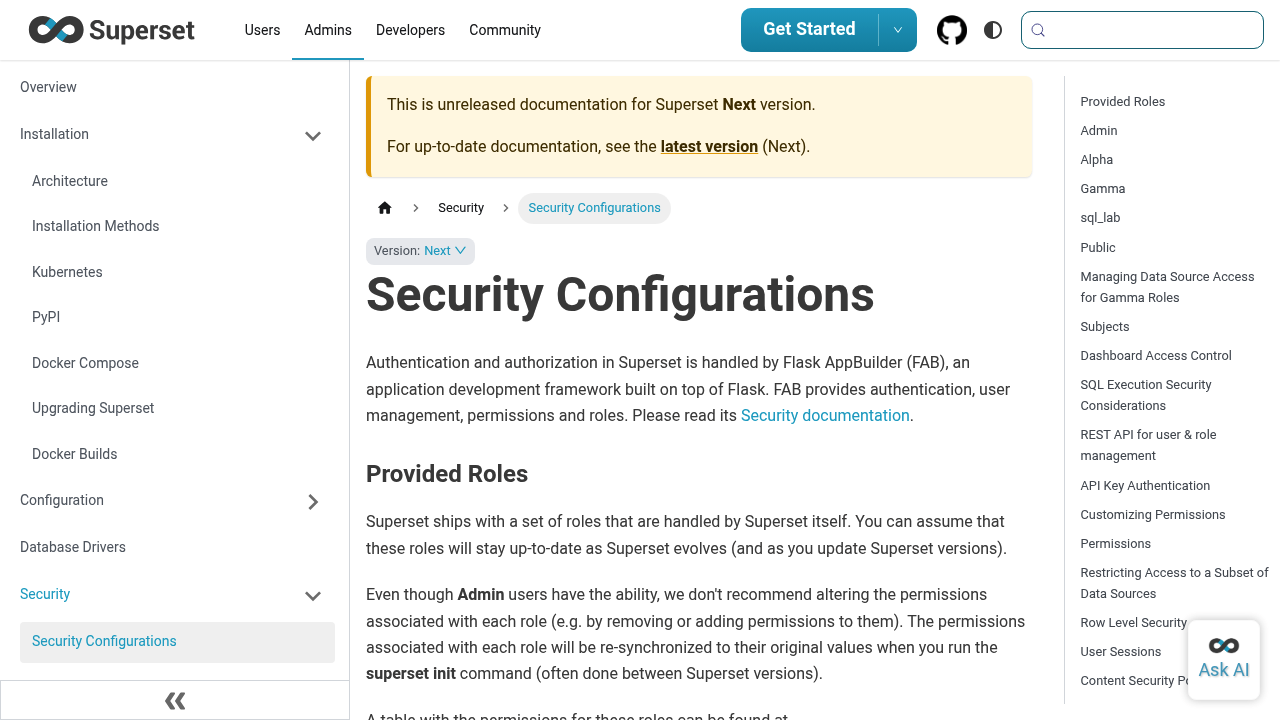
Superset's security documentation covers RLS filter rules at the dataset level: "Row Level Security (RLS). Using Row Level Security filters…" (Apache Superset Security Configurations). You define filter rules tied to roles, and when users with those roles query a dataset, the filters are appended automatically.
Pros: Open-source with full security configurability; deep role/permission model; API-key and session security documented.
Cons: Self-managed operational burden is substantial; it's reference documentation, not an embedded multi-tenant "how to"; troubleshooting RLS misconfigurations requires hands-on database debugging.
Apache Superset security documentation
7. ThoughtSpot
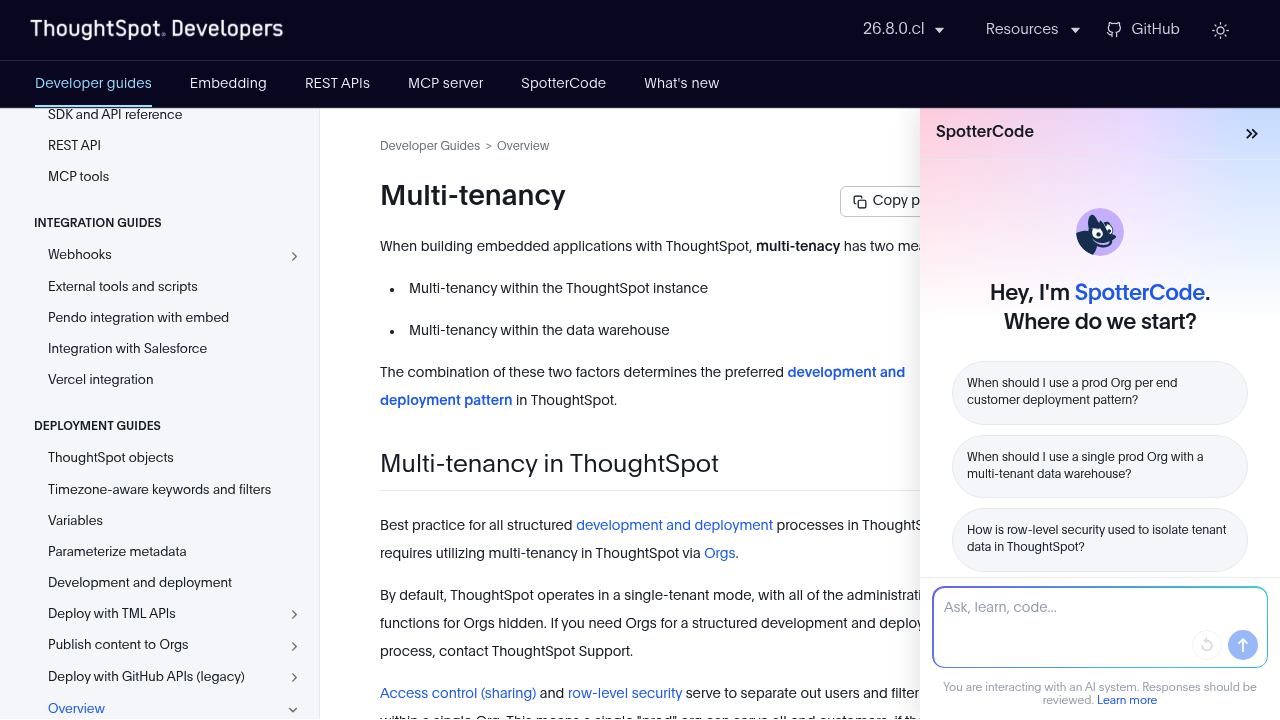
ThoughtSpot's developer documentation explains the two-layer model: "Access control (sharing) and row-level security serve to separate out users and filter content within a single Org." Orgs provide hard tenant containers. Within an Org, RLS rules filter content at a finer grain.
Pros: Clean conceptual separation between Org-level (tenant container) and RLS-level (row filtering) isolation; Visual Embed SDK is well-documented for developers; strong search-driven analytics UX.
Cons: Implementation walkthroughs for each multi-tenancy pattern are thin in the docs; choosing between Org model vs shared + RLS requires architecture judgment the docs don't fully guide you through.
ThoughtSpot developer docs: Multi-tenancy
8. Looker
Looker uses user attributes mapped to Access Filters in LookML to enforce warehouse-level RLS. When a user queries a Looker Explore, the access filter appends a WHERE clause using the user attribute value from the embed SSO token. This means isolation is enforced in the warehouse query, not just in the UI.
Pros: Warehouse-enforced isolation is architecturally sound; user attributes flow from the embed token to the query predicate; mature enterprise embedding options.
Cons: Every tenant attribute requires corresponding LookML modeling effort; the semantic layer becomes complex to maintain at scale; Looker's Embed SSO documentation is scattered across multiple pages.
Looker Embed SSO documentation
CTO checklist: what to validate before you commit
Before any vendor shortlist becomes a contract, run through these six checks.
-
Where is isolation actually enforced? Ask the vendor to show you that a query issued without a valid tenant token returns zero rows, not all rows. "Fail closed" is non-negotiable.
-
How does tenant context propagate? Trace the path from your application's auth token to the warehouse query predicate. JWT claims, effective identity, or user attributes all need to reach the
WHEREclause. -
What happens on export? CSV downloads, PDF exports, and scheduled emails need to carry the same RLS context as the live dashboard. Test this explicitly.
-
Is there a shared query cache? Caches that aren't keyed by tenant identity will serve Tenant A's results to Tenant B. Confirm how the vendor keys and invalidates cache entries.
-
How do you test entitlements? Every vendor should offer a "view as user" or equivalent that lets you verify what a specific tenant context actually sees.
-
What's the audit trail? For regulated SaaS (fintech, HR tech, healthcare), you need per-query audit logs that include the tenant identity. Check whether this is built-in or requires custom instrumentation.
Three reference architectures
Regulated SaaS (e.g., fintech, healthcare): Use strict warehouse RLS with narrow entitlements. Tenant context from JWT flows to warehouse predicate on every query path. Exports are disabled or re-run with the same RLS context. Audit logging at the query layer. Tools that enforce isolation at the query layer (Toucan, Looker with Access Filters, Power BI Embedded with dynamic DAX roles) are the better fit here.
High-tenant-count SaaS (100+ tenants): Containerization + RLS gives you operational manageability. Tenant containers (Tableau Sites, ThoughtSpot Orgs, Metabase Tenants) reduce the surface area of cross-tenant configuration errors. Pair with query-level RLS for row-granular control.
Low-tenant-count pilot (under 20 tenants): Simpler grouping with stricter manual controls works. A shared schema + RLS with a well-tested filter rule is operationally lighter. Use this to ship quickly, but build toward a container model before you scale.
Frequently asked questions
What is the difference between multi-tenancy and row-level security (RLS)?
Multi-tenancy means one application instance serves multiple customers. Row-level security (RLS) means each user can only read the rows they are authorized to see. Embedded analytics needs both, connected: multi-tenancy separates customers at the application level, while RLS enforces which rows each user can access at the data level.
Why isn't UI-level row filtering enough for customer-facing analytics?
An analytics tool that filters rows only in its presentation layer can be bypassed through export endpoints, direct API calls, or cached query results. For a SaaS product exposing analytics to external customers, that gap can fail a SOC 2 review or expose one customer's data to another. Isolation has to be enforced at the query layer.
What does 'fail closed' mean for RLS in embedded analytics?
Fail closed means that if tenant context is missing or malformed, the query returns nothing instead of everything. It is a non-negotiable safety property for customer-facing analytics: a missing or invalid token should never default to exposing all rows across tenants.
Which embedded analytics tools enforce RLS at the query or warehouse layer?
Tools that enforce isolation at the query or warehouse layer include Toucan (query-level RLS via JWT), Looker (Access Filters in LookML), and Power BI Embedded (dynamic DAX roles). Query-layer enforcement means tenant context reaches the WHERE clause before any data leaves the database, rather than being applied only in the UI.
Do RLS rules also apply to exports and API endpoints?
They should, but this varies by vendor and needs explicit testing. CSV downloads, PDF exports, scheduled emails, and API endpoints must carry the same RLS context as the live dashboard. RLS coverage that stops at the main dashboard view leaves export and drill-down paths as potential data-leak channels.
Which multi-tenancy model fits high-tenant-count SaaS (100+ tenants)?
For 100+ tenants, pairing containerization with query-level RLS is the more manageable model. Tenant containers such as Tableau Sites, ThoughtSpot Orgs, or Metabase Tenants reduce the surface area for cross-tenant configuration errors, while query-level RLS provides row-granular control within each container.
Further reading and official docs
The vendor landscape for embedded analytics multi-tenancy and row-level security is broad, but the differentiator isn't whether a tool claims RLS support. It's whether tenant context travels all the way to the query layer, covers every data endpoint (not just the dashboard), and fails closed when something goes wrong. If you're building customer-facing analytics and don't want to engineer that security model yourself, tools designed natively for embedded SaaS use cases, like Toucan Toco, are worth evaluating first.